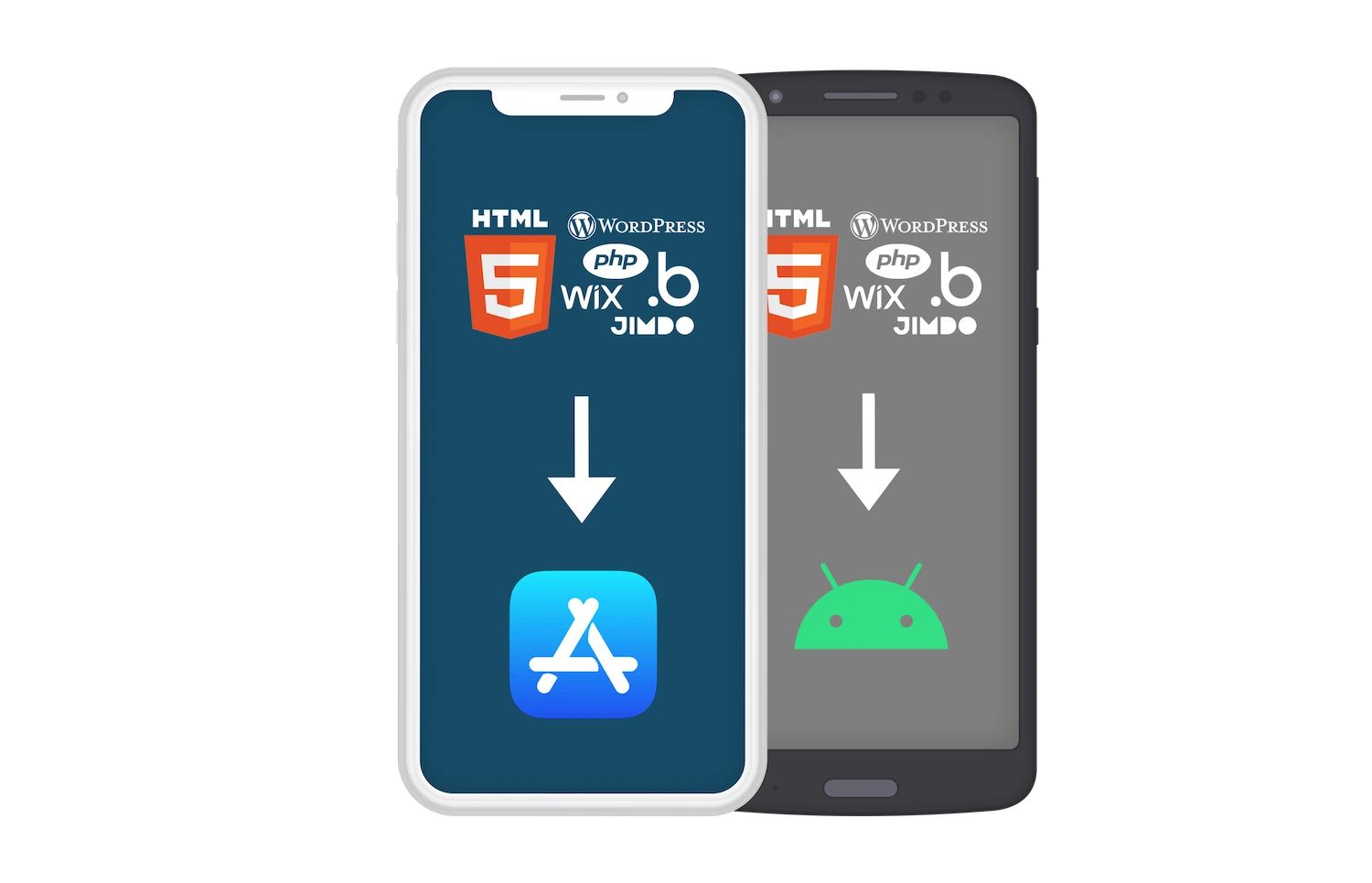

Quality made in Germany since 2014.
Explore the features and advantages of using WebViewGold to effortlessly convert your website into mobile apps.
ISO 9001ISO 27001Made in GermanyReady for GDPR*Ready for HIPAA*
*Compliance depends on the specific configuration, implementation, data-processing activities, app category, and intended use. Contact us for more information.

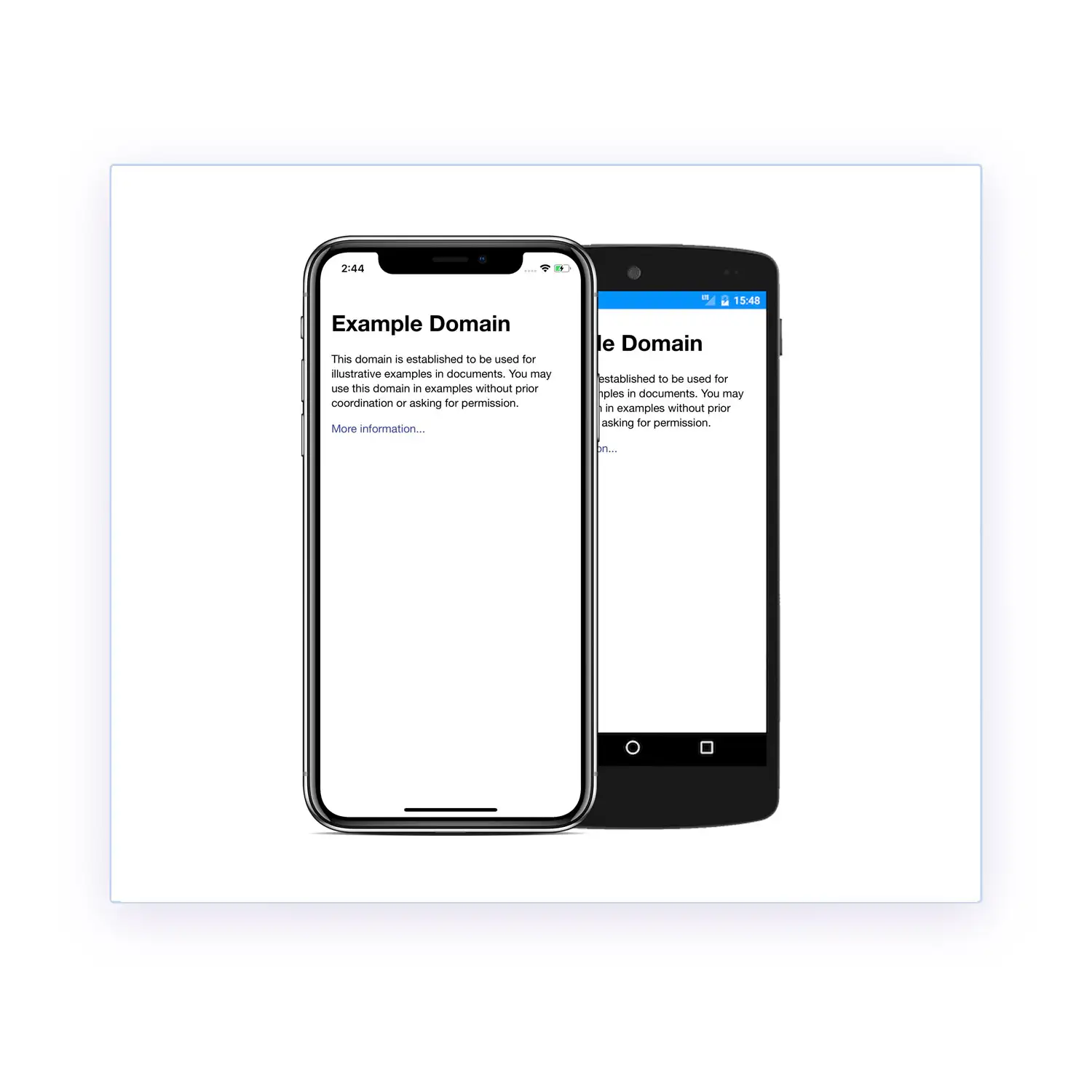
Easy setup.
It's even fun.


Easy setup.
It's even fun.
100% of your content.
The stage is yours.
Is your user offline?
Don't worry.
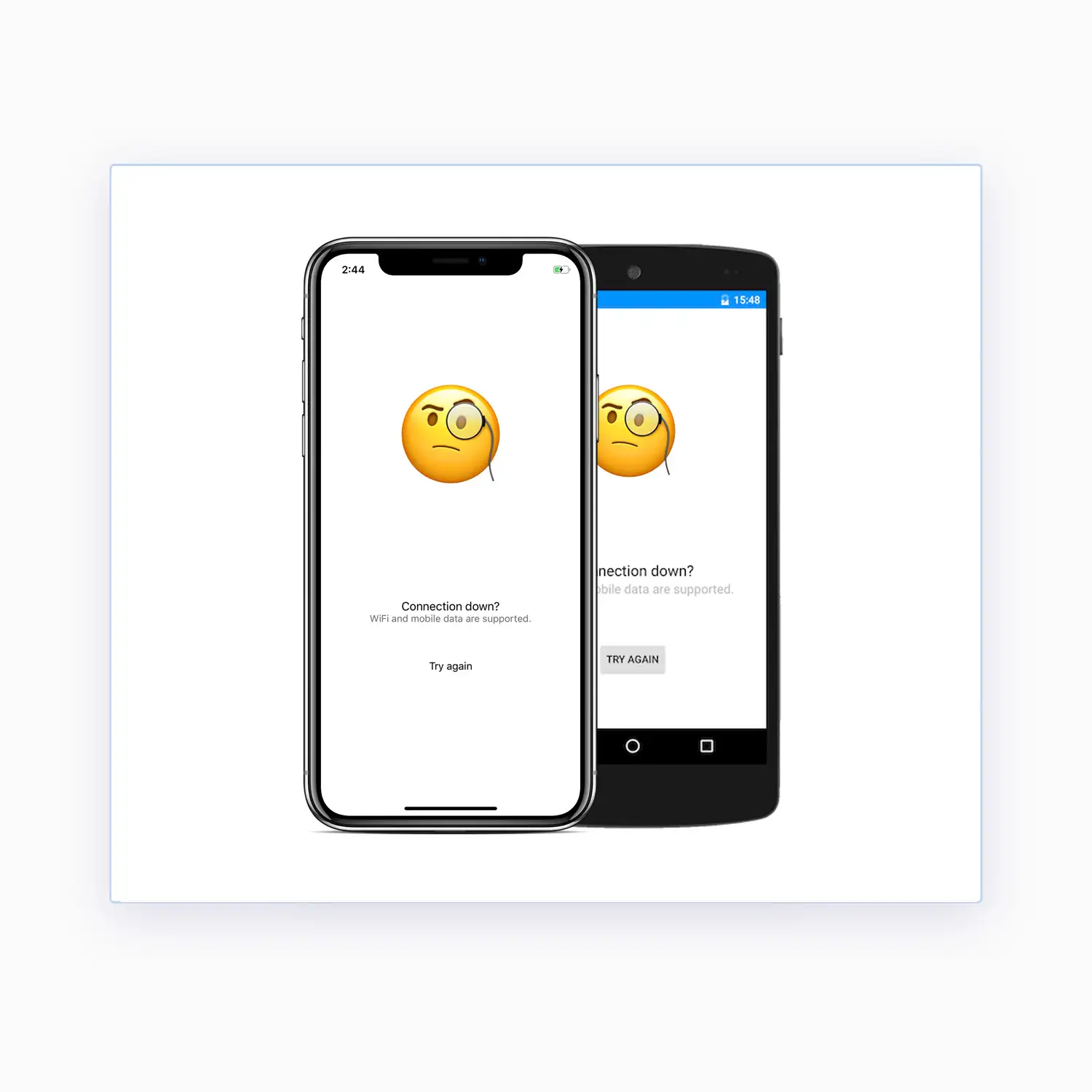
Is your user offline?
Don't worry.
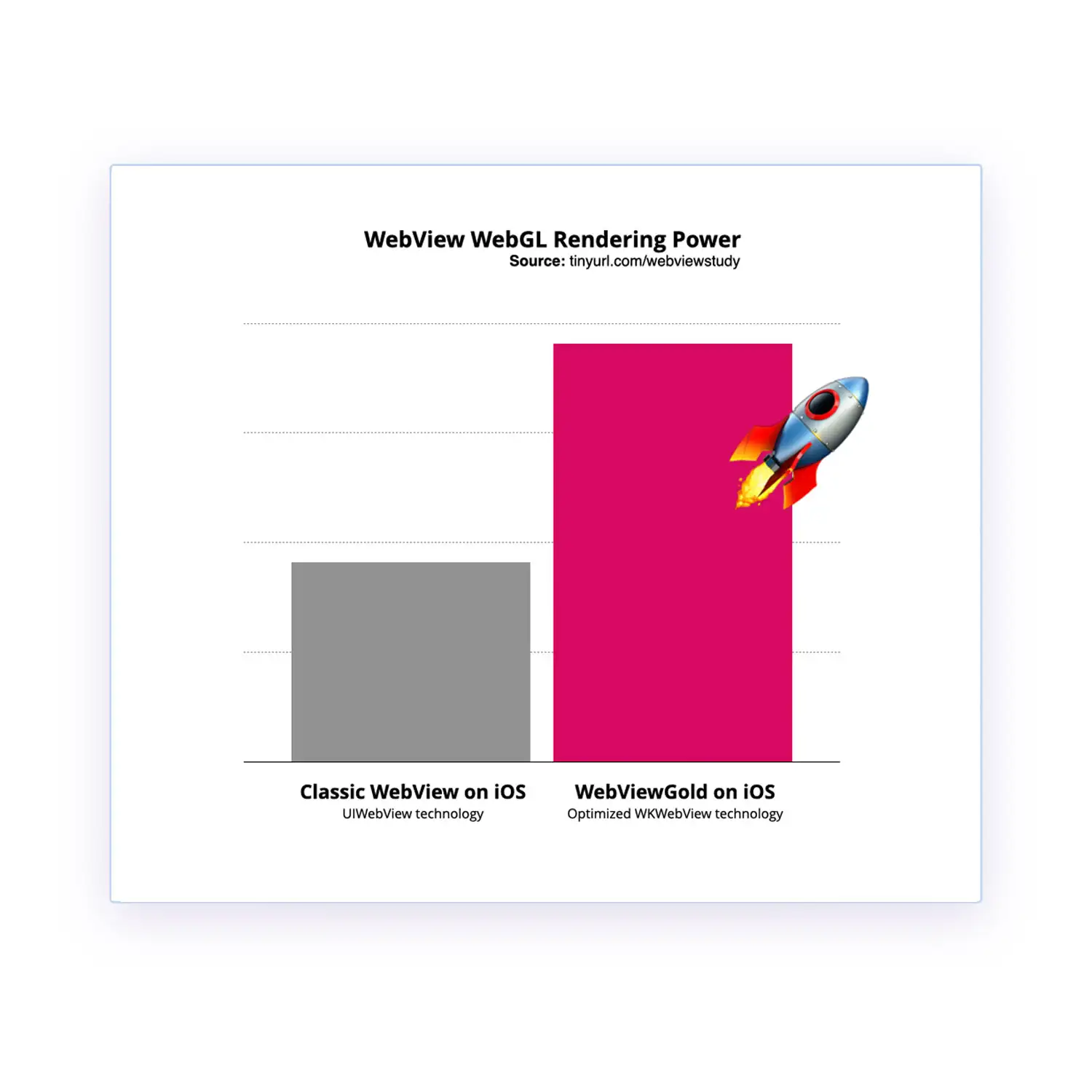
Performance
matters.
External links.
Handled the right way.
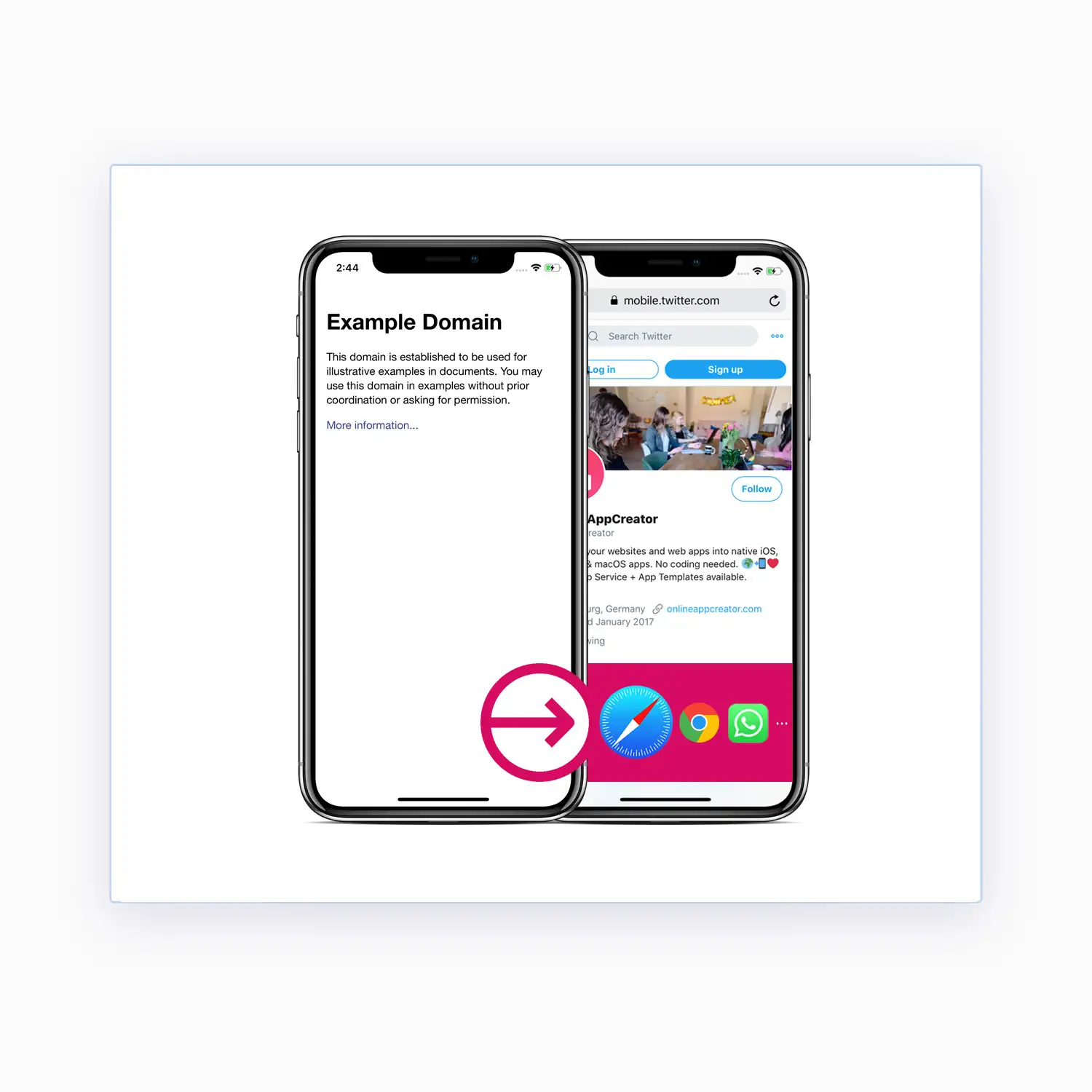
External links.
Handled the right way.
Wait, there's more.
WebViewGold has plenty of additional features to discover. We have often received feedback from our customers that WebViewGold is the best way to convert website into an iOS app and convert web app into an Android app. It works with every kind of website or web app – including no-code and AI-generated projects built with Lovable, base44, Replit, bubble, Webflow, Wix, Jimdo, apprat.io, or Figma Make: simply publish your project to a URL, insert it into WebViewGold, and ship it as a real app.
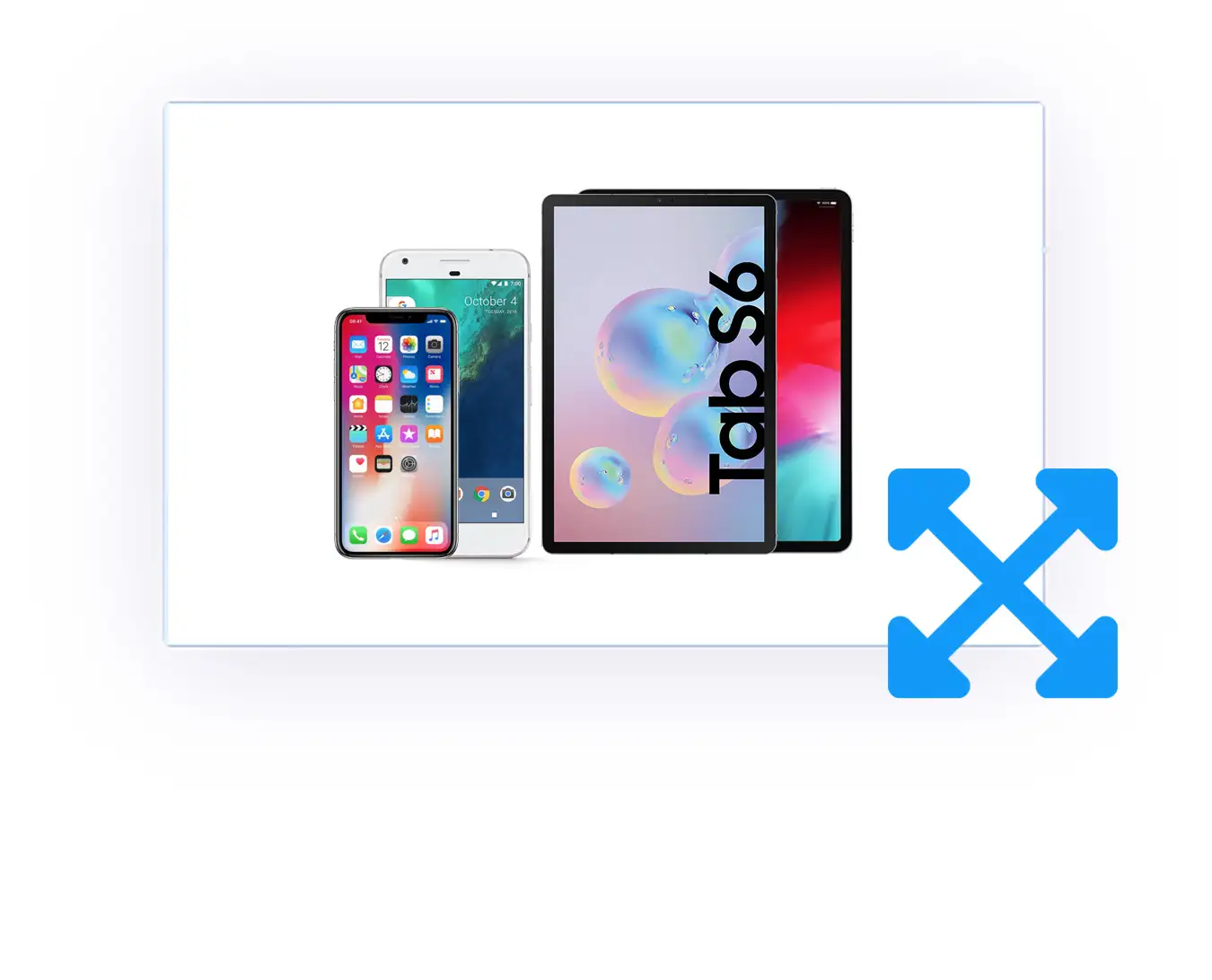
100% Responsive
The WebViewGold app template is augmented for various mobile devices of all dimensions, so your mobile app is going to look striking on all smartphones and tablets.
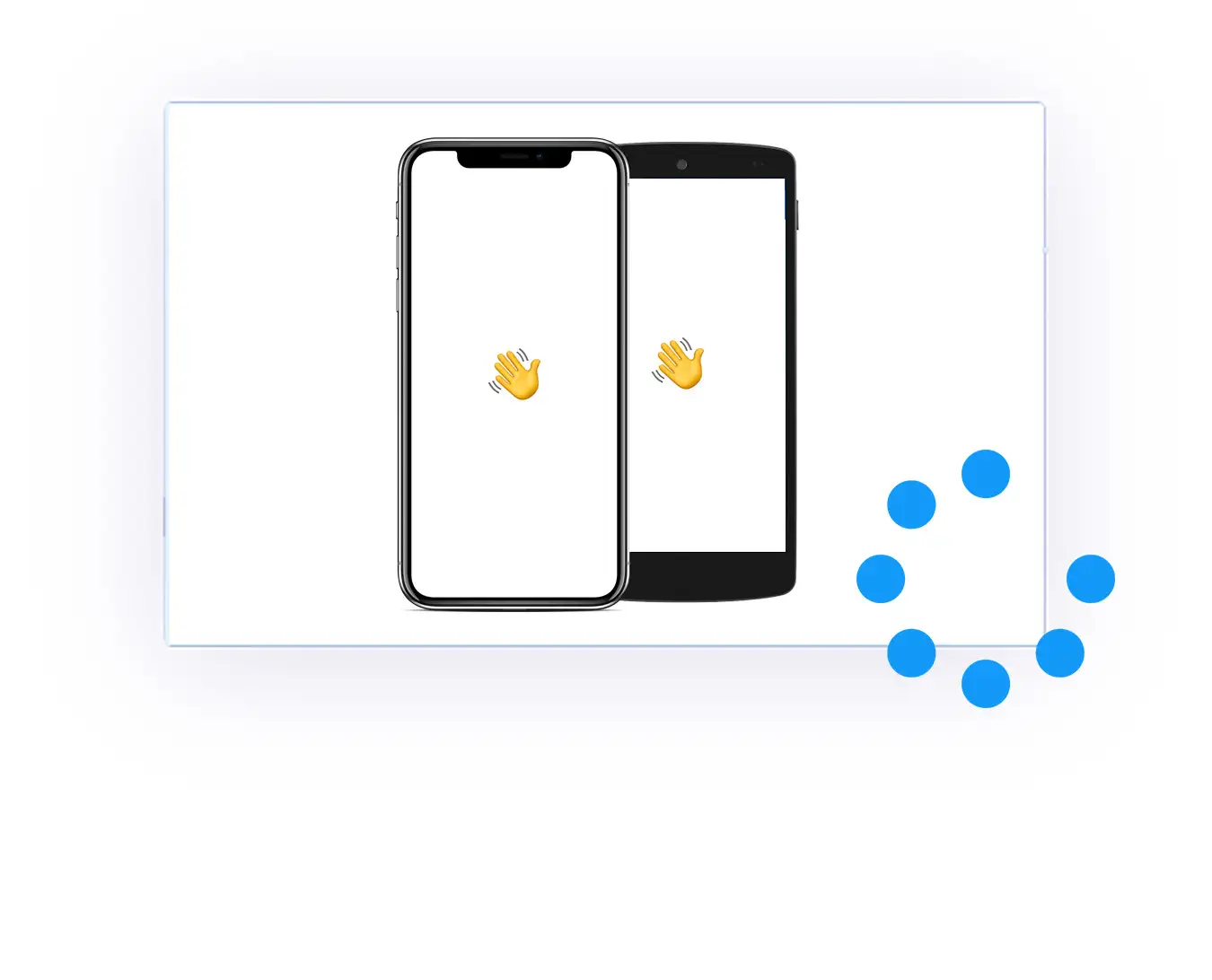
Splash Screen & Loading Sign
You can choose to display your launch screen image until the web app is loaded, or a native loading spinner while loading your web content. On Android, you can even define a minimum/maximum splash duration and an optional fade-out effect.
URL Handling & In-App-Tab
Open specific or all external website links in your main app view or an additional In-App-Browser tab or the iOS/Android System Browser. Everything is possible.
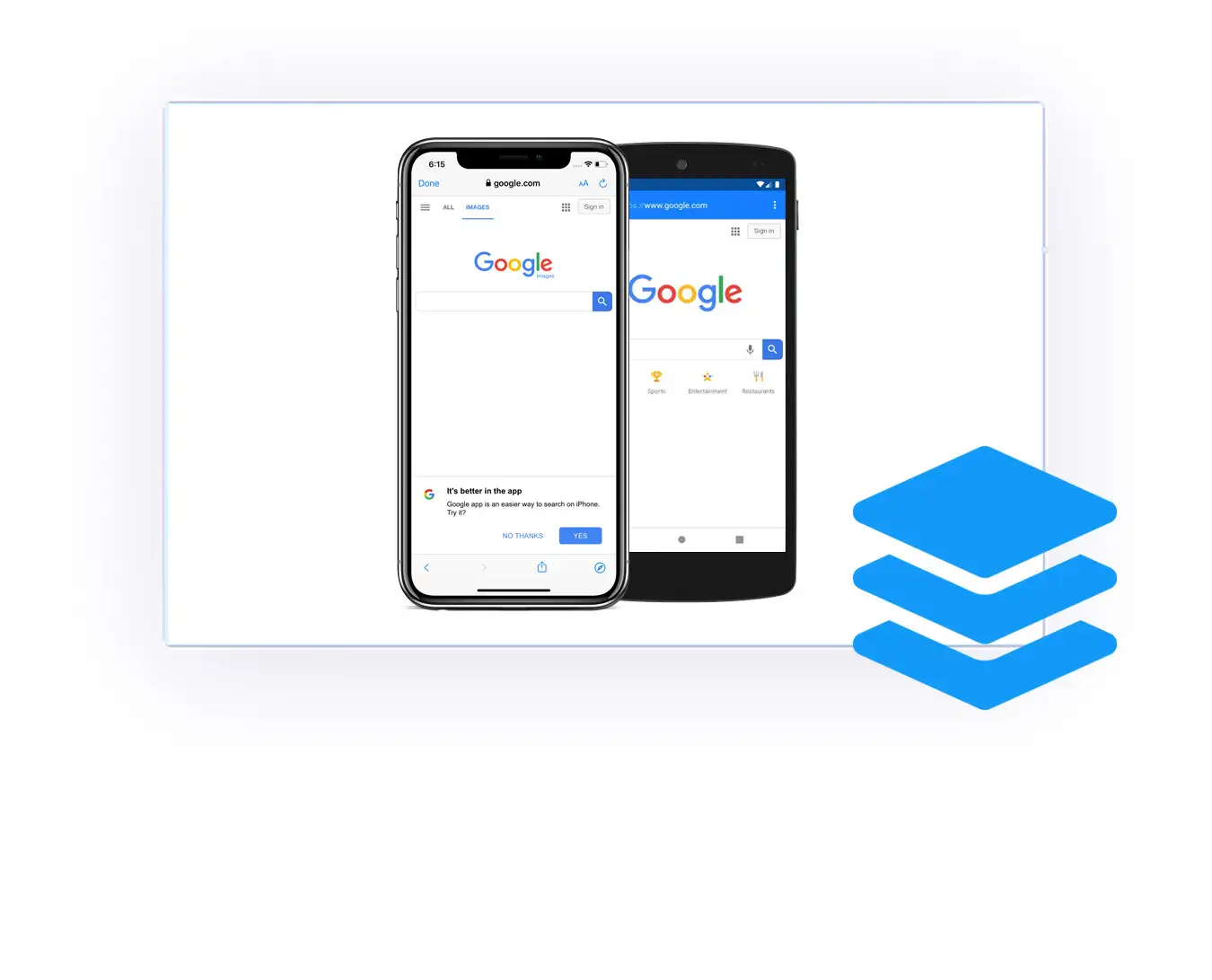
Custom CSS & JavaScript
Modify your web app experience with optional CSS style classes when accessed by the app. Embed your custom JavaScript code, which will be integrated into your web app as it loads in the app. And even modify the native status bar color of iOS and Android.
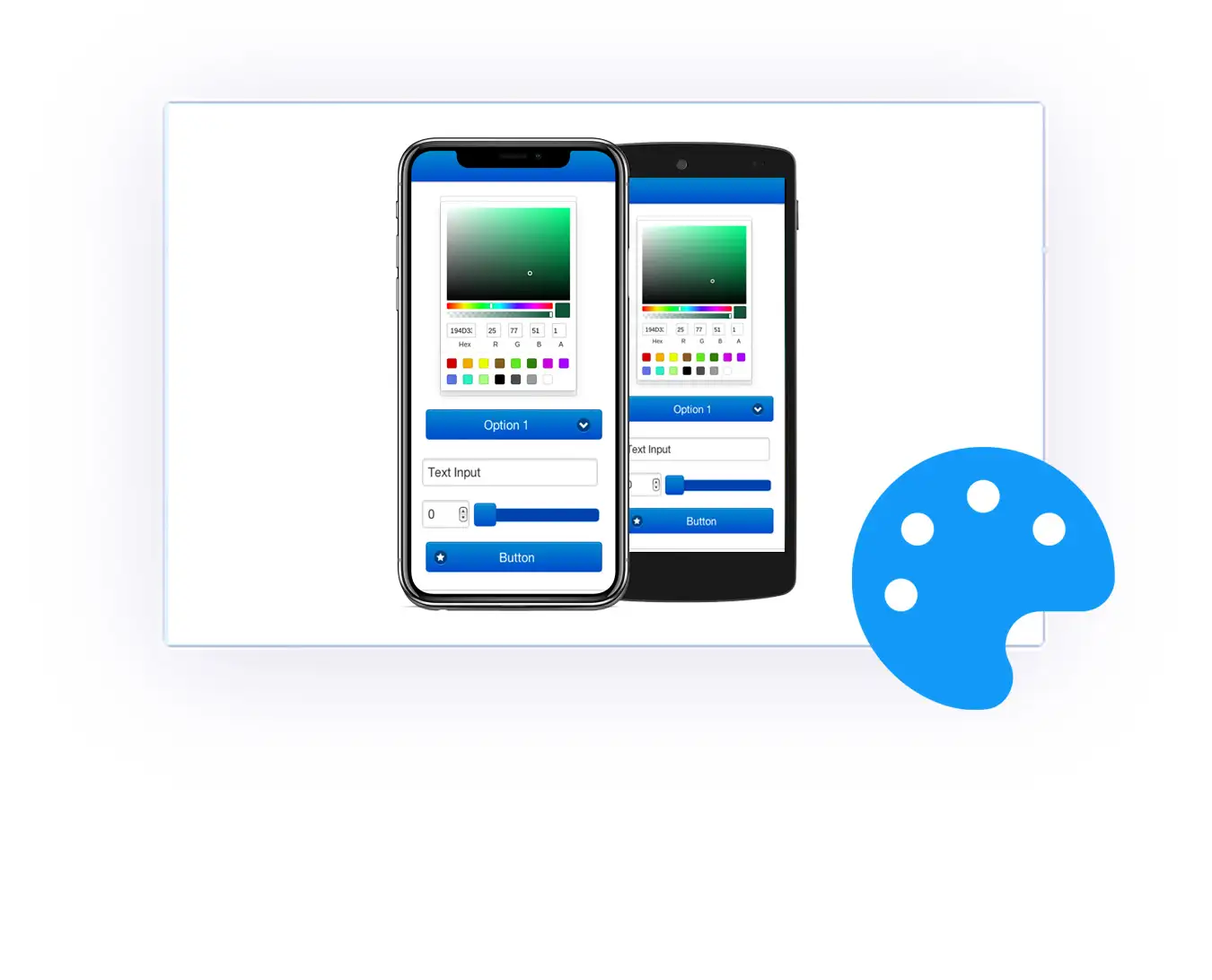
Cookie & Cache Mechanism
The built-in cache mechanism boosts your app performance, and your app will save all cookies (including login cookies).
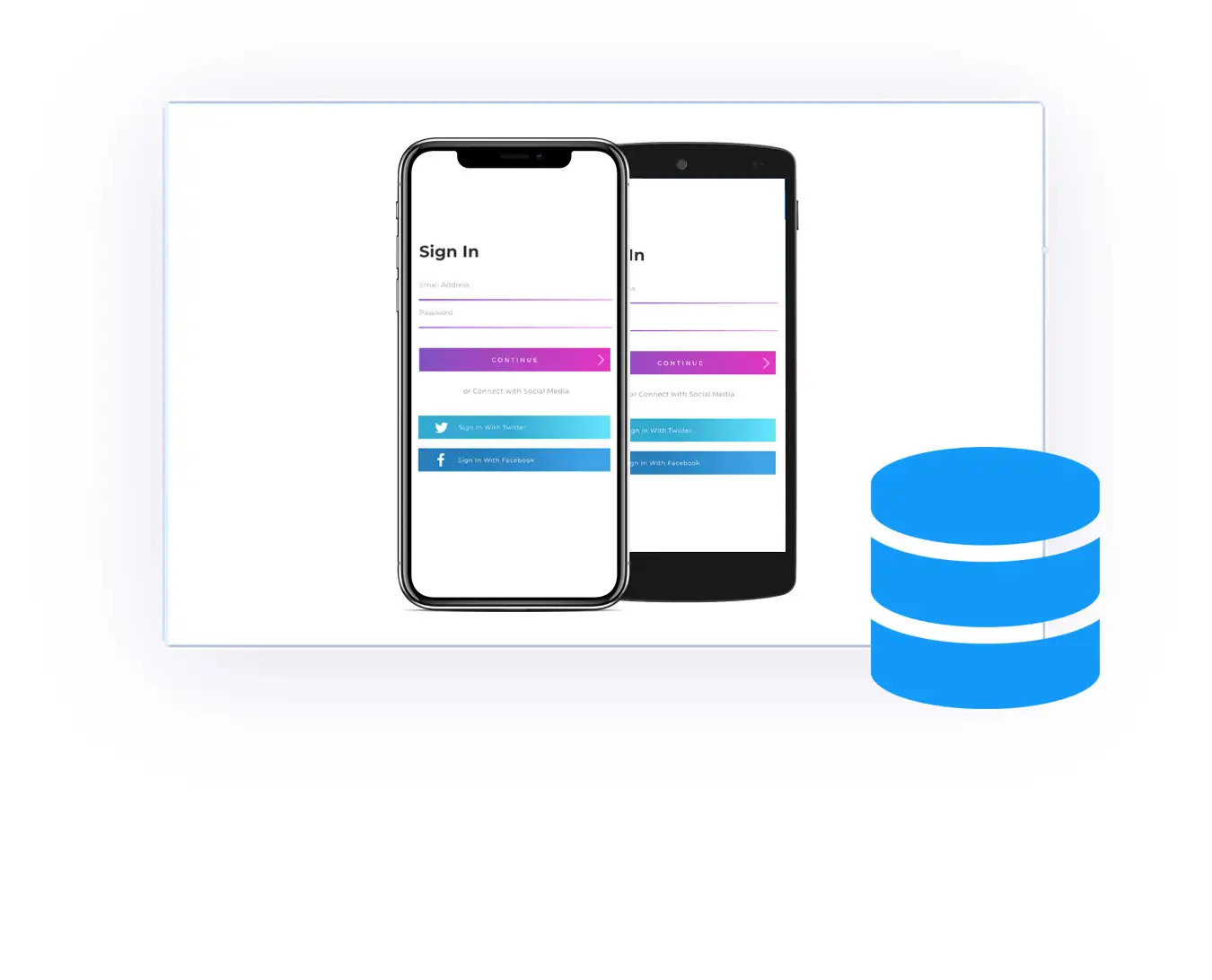
Custom User-Agent Identification
Set custom User-Agents for the web rendering, so you can simulate browsers (like Firefox) or identify your app requests on your server by using a custom User-Agent. On iOS, you can even define separate User-Agents for iPhone and iPad devices.
Media Downloader
Use the Image, PDF, ePub, Documents, and Music Downloader API to save files directly to the user's photo gallery app or mobile storage. Includes automatic Content-Disposition header detection, data:/base64 downloads (Android), and an optional Auto Downloader mode.
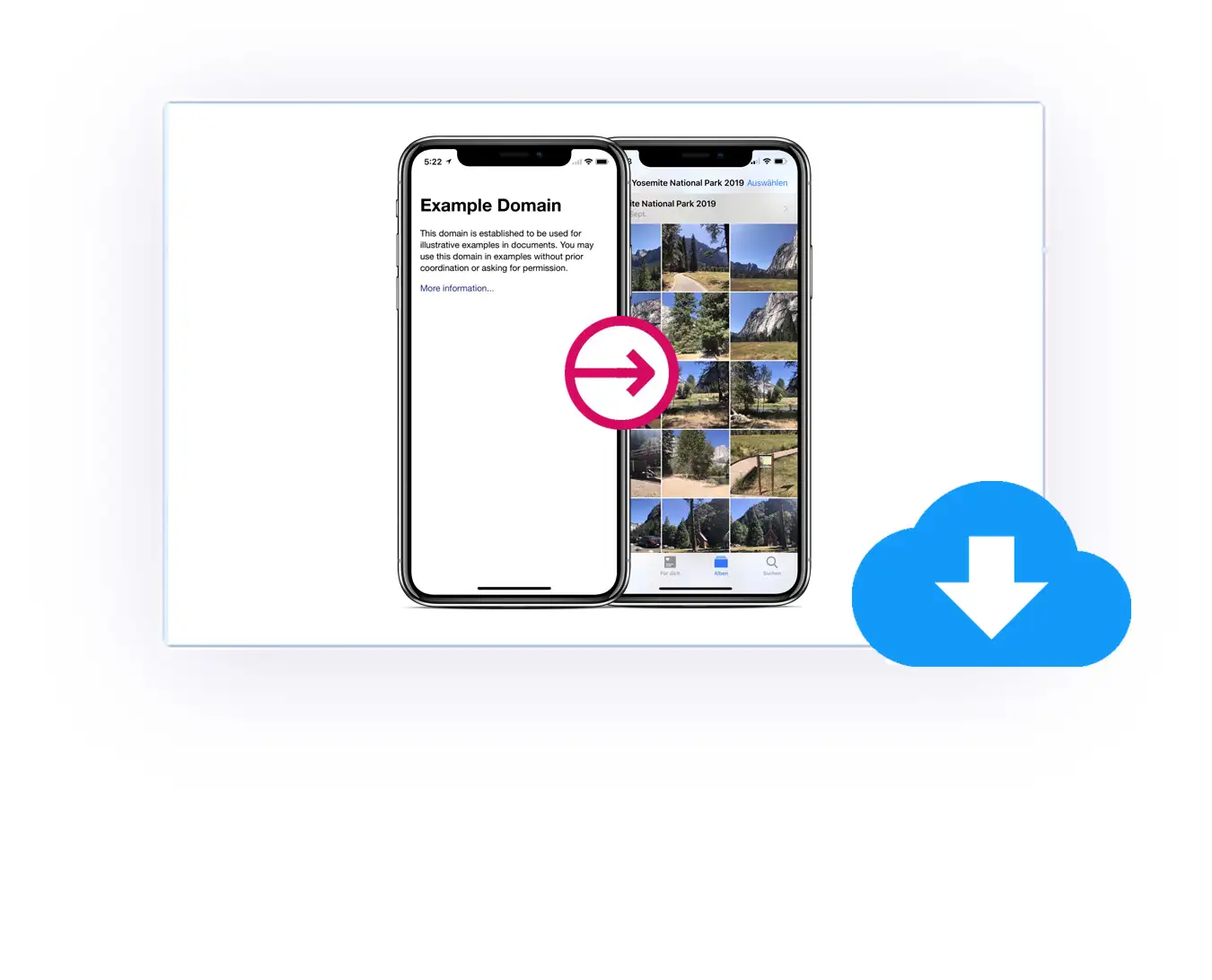
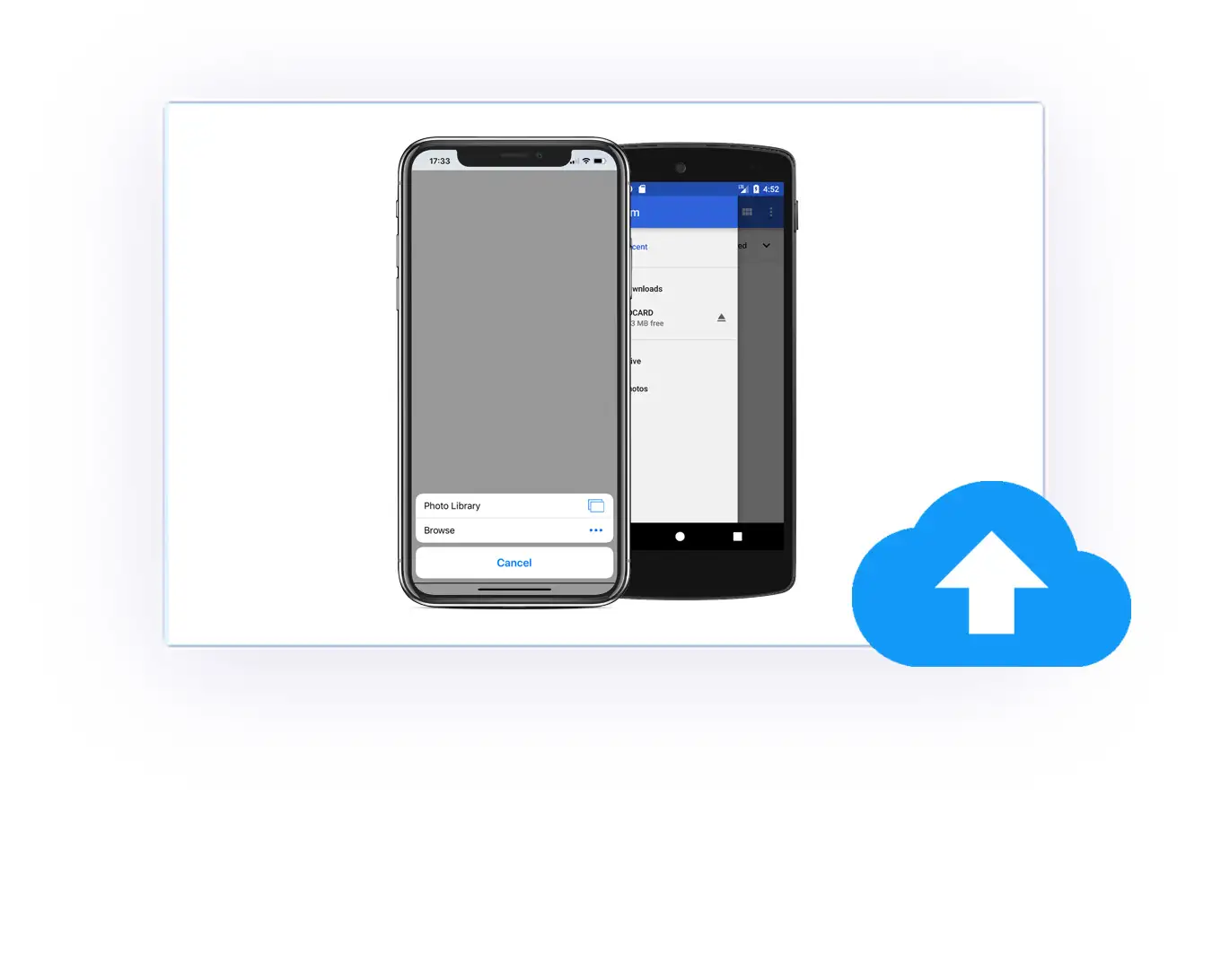
File & Camera Uploads
The perfect use case for forms, upload plugins, or photo galleries in social media communities. Native experience, seamless upload. Uploading multiple files in HTML upload forms is supported, too.
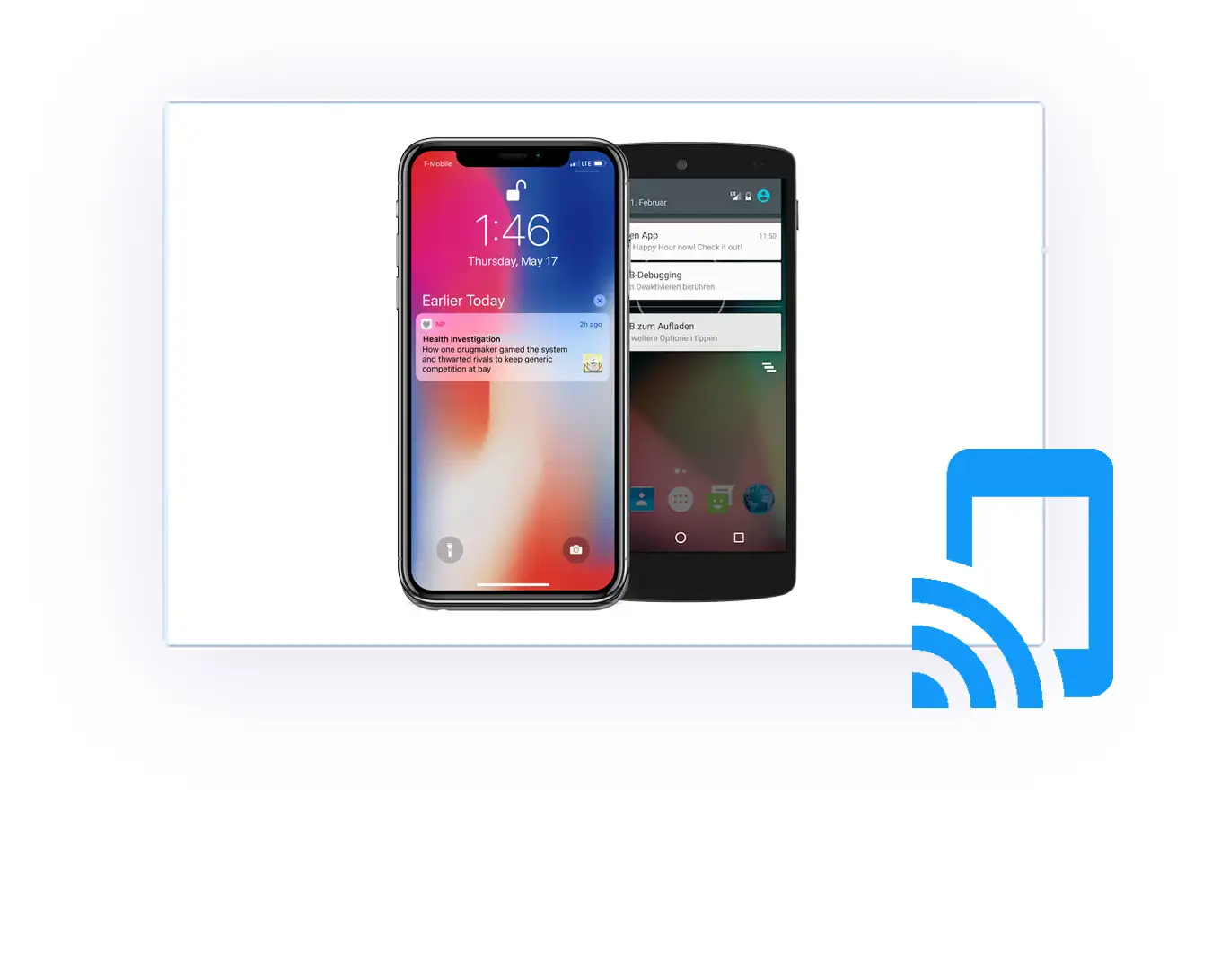
Push Notifications
Use JavaScript, Pushwoosh, Firebase, OneSignal, or bubble.io to notify your app users about relevant news, even on an individual user basis. Trigger the permission dialog at the perfect moment via a simple registerpush:// link, get the push user ID by JavaScript or append it to your URL, and use Push In-App Messages.
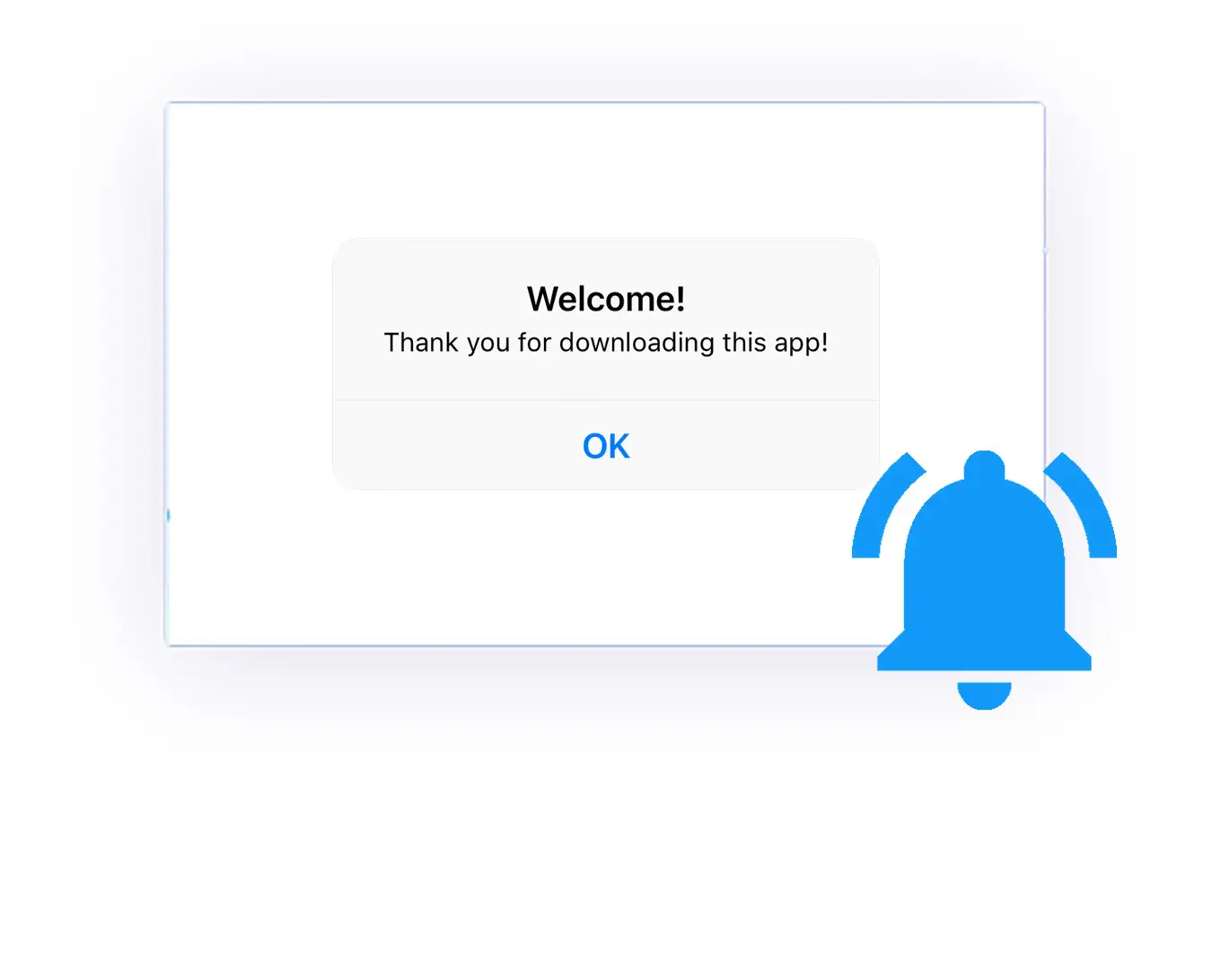
Built-In Native Dialogs
"First Run" + "Rate My App" + "Follow On Facebook" dialogs included. Setup takes just 10 seconds, and any JavaScript dialog works too.
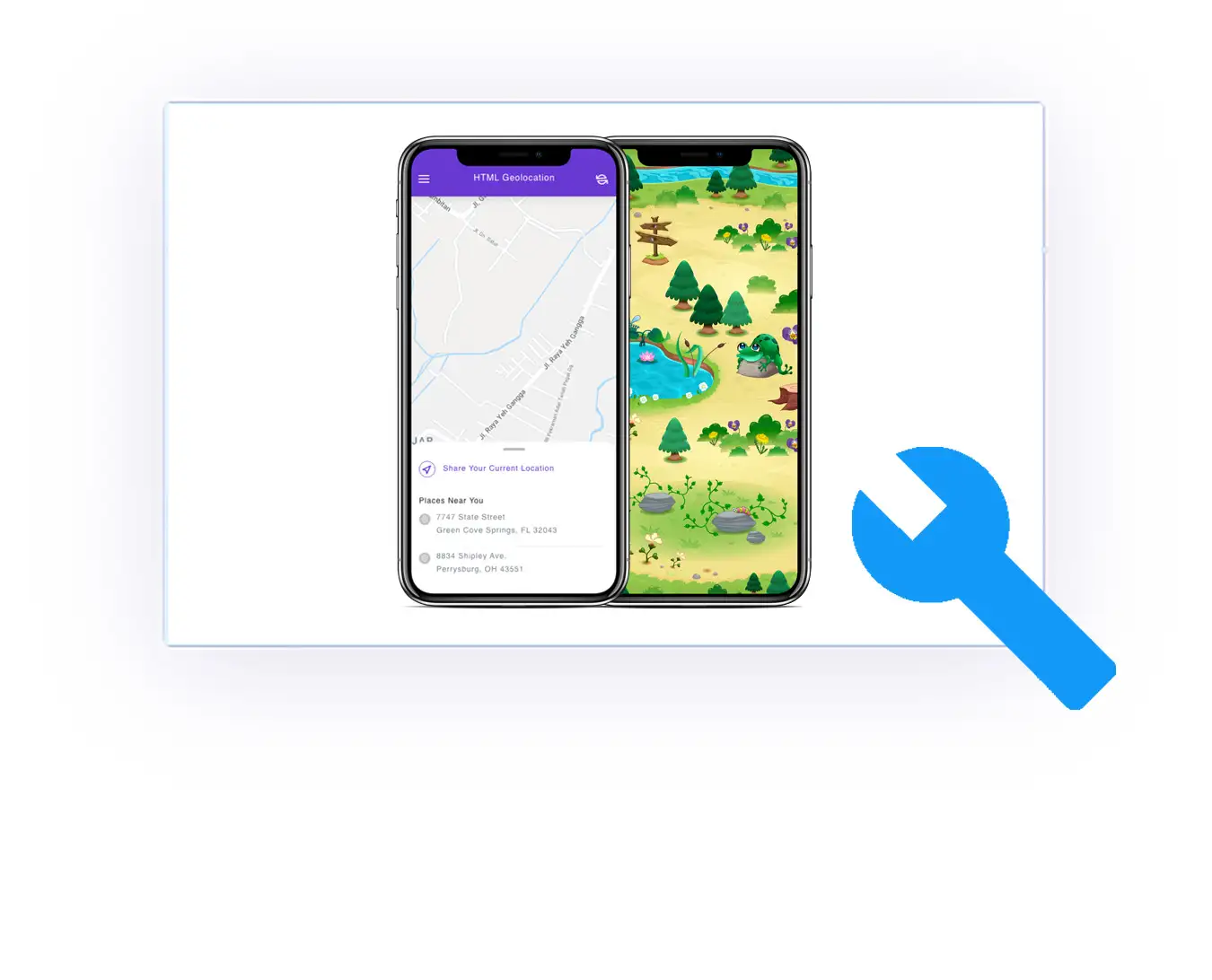
HTML5 Audio/Video & Geolocation
100% support for every kind of website/web app, game, or high-end CMS. For geolocation, even without a second permission request if triggered via button/link – including Background Location support. HTML5 audio keeps playing in background mode.
Make Money With Advertising
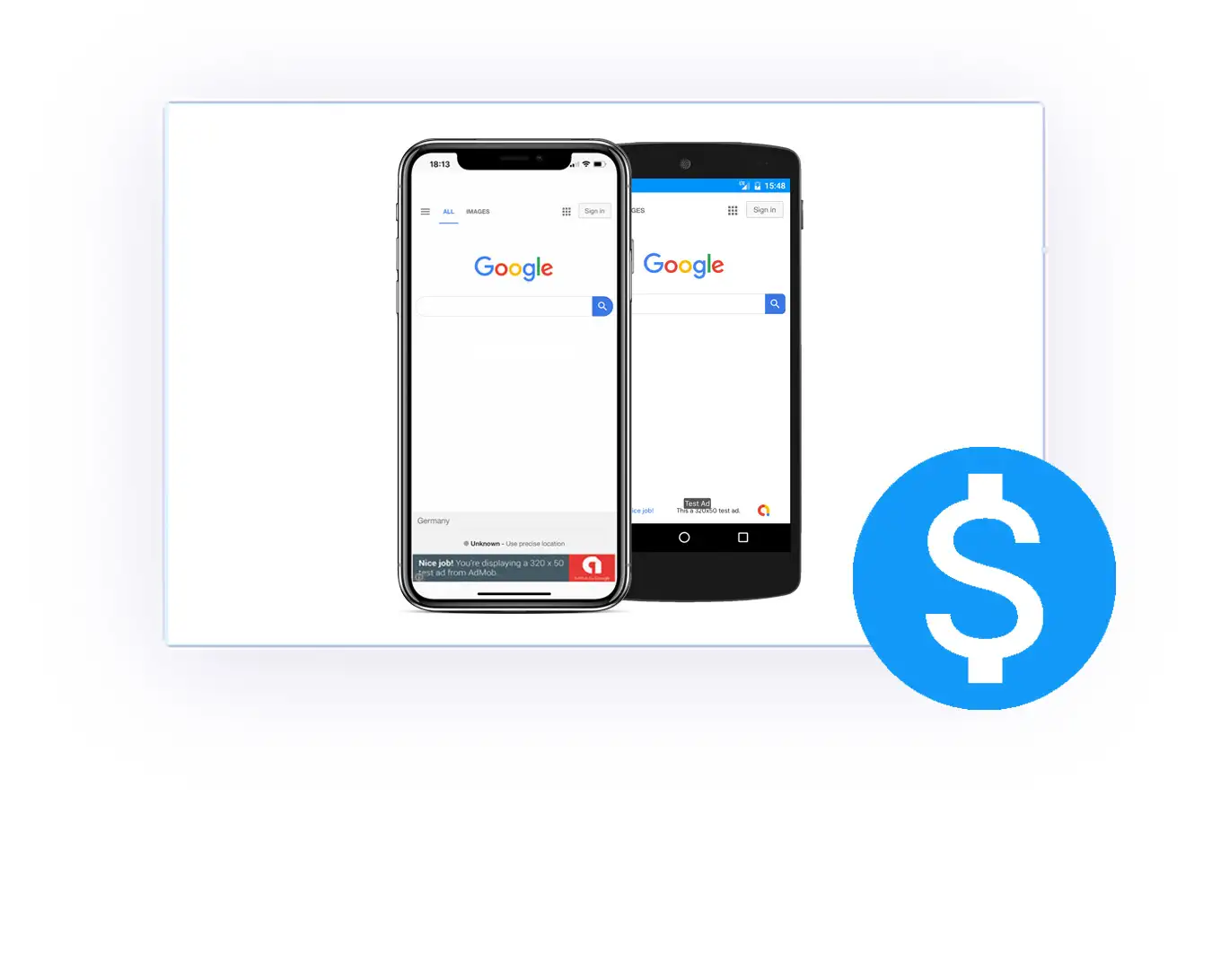
Activate banner, interstitial, and rewarded ads by Google AdMob and Facebook Audience Network with a few clicks and monetize your app easily – including optional ads after screen taps, dynamic enableads://+disableads:// links, Google AdSense & Advertising ID support (Android), and the option to disable ads automatically after an in-app purchase.
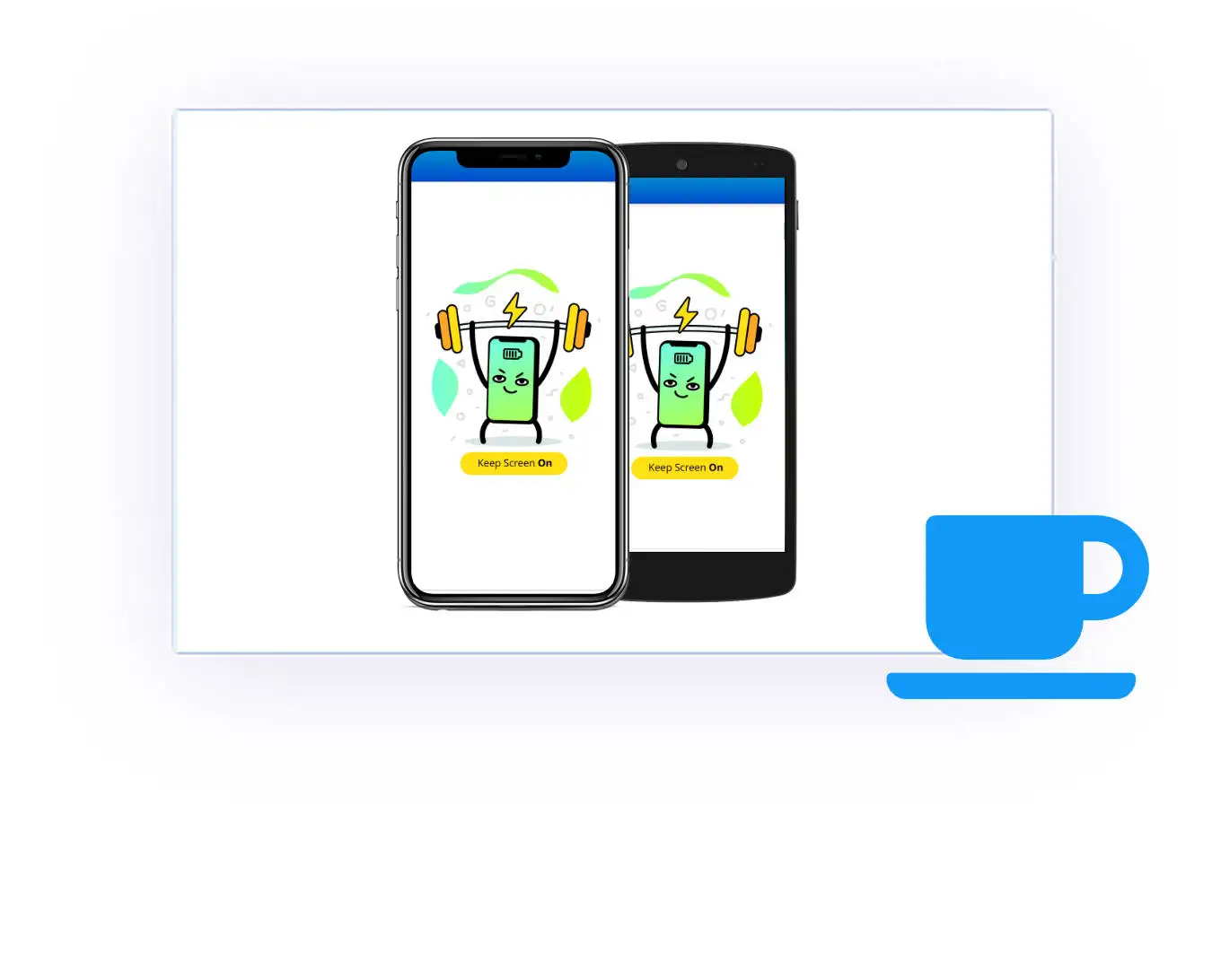
Prevent Sleep Option
For some apps (like step-by-step recipe/cooking apps), it's vital to prevent the device from going into standby mode. No problem, let's keep the display on.
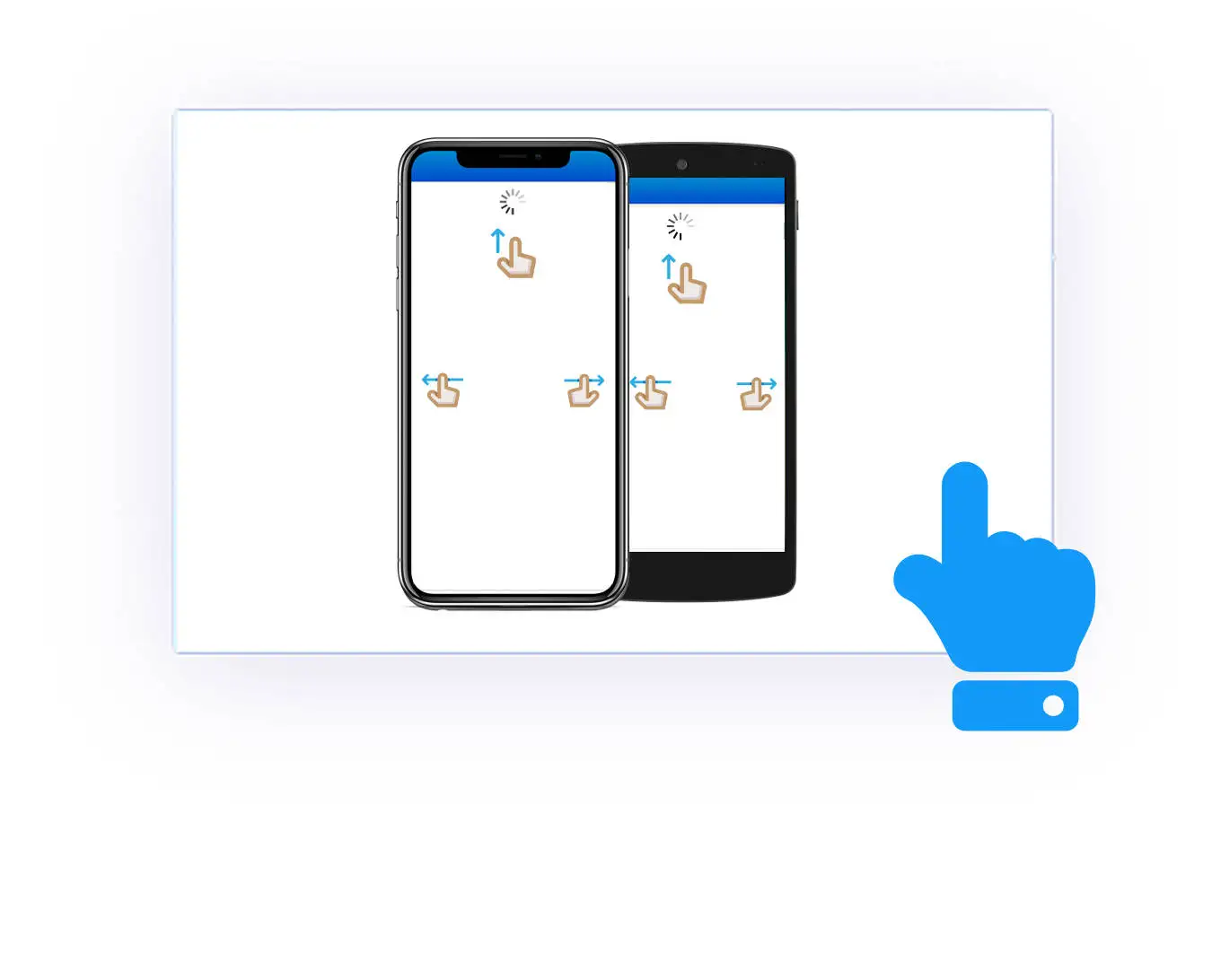
Pull To Refresh & Swipe Gestures
Navigation is a crucial part of usability – it can make or break an app. Enable the built-in elegant navigation gestures for forward, backward, & pull-to-refresh – including a dynamic API to enable/disable pull-to-refresh via JavaScript.
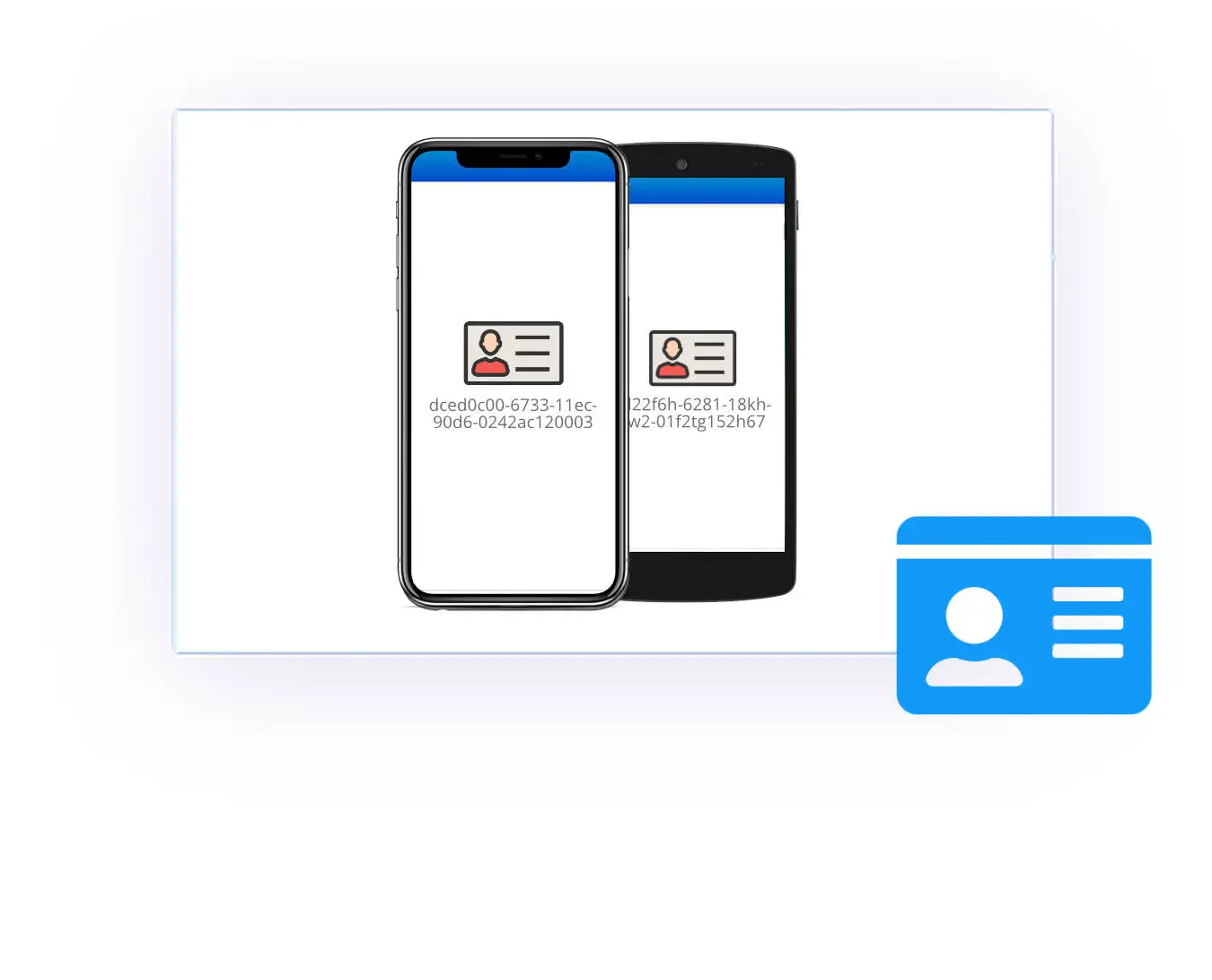
UUID API
Easily retrieve a non-personal, unique device ID (UUID / "Universally Unique Identifier") via JavaScript that can be used to identify a device uniquely.
Social Login Support
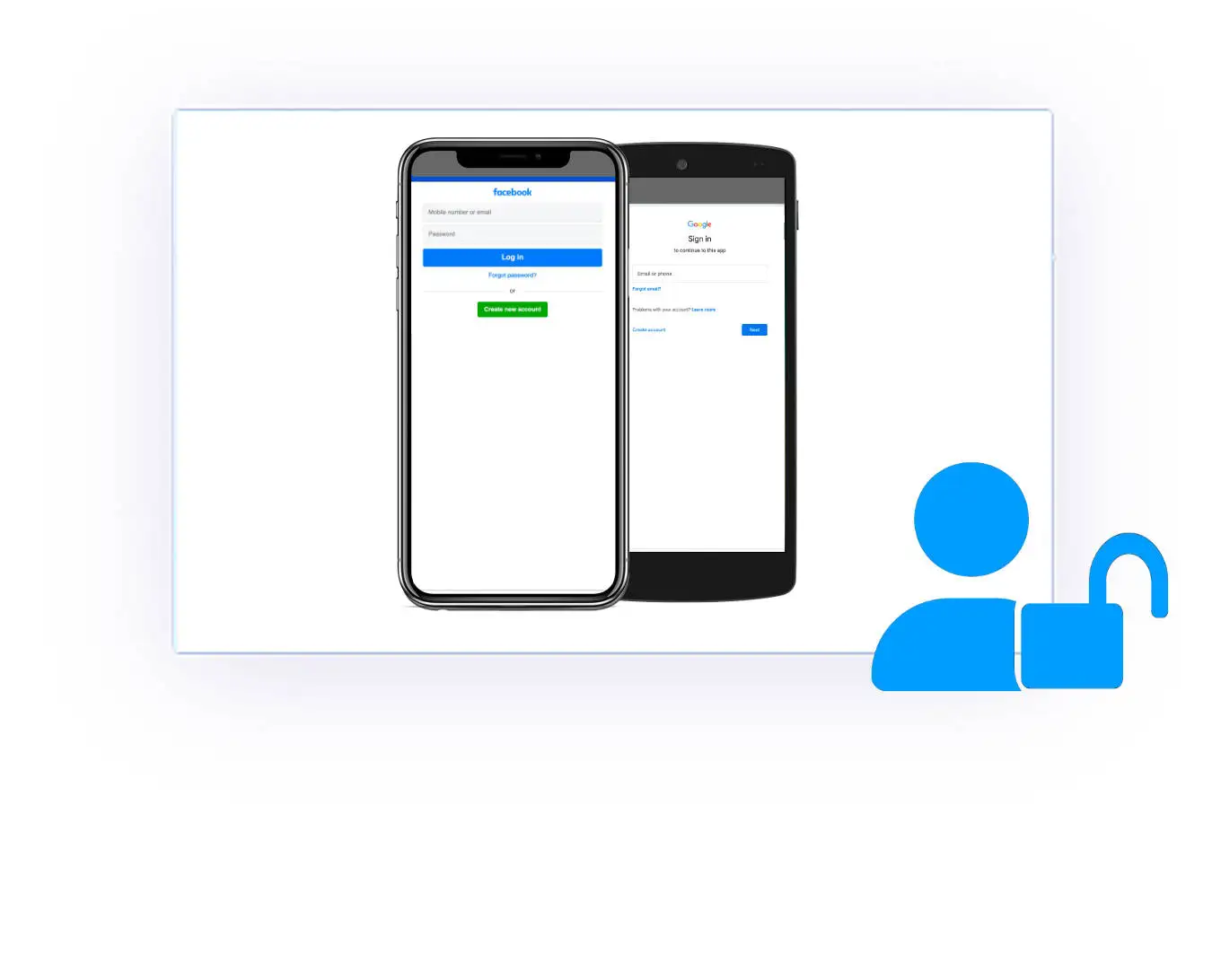
Our approach supports Login with Facebook and Login with Google – ideal if you want to use such a social media login on your web app. On iOS, Native Google Auth (Sign in with Google) is included in addition to the Social Login helper.
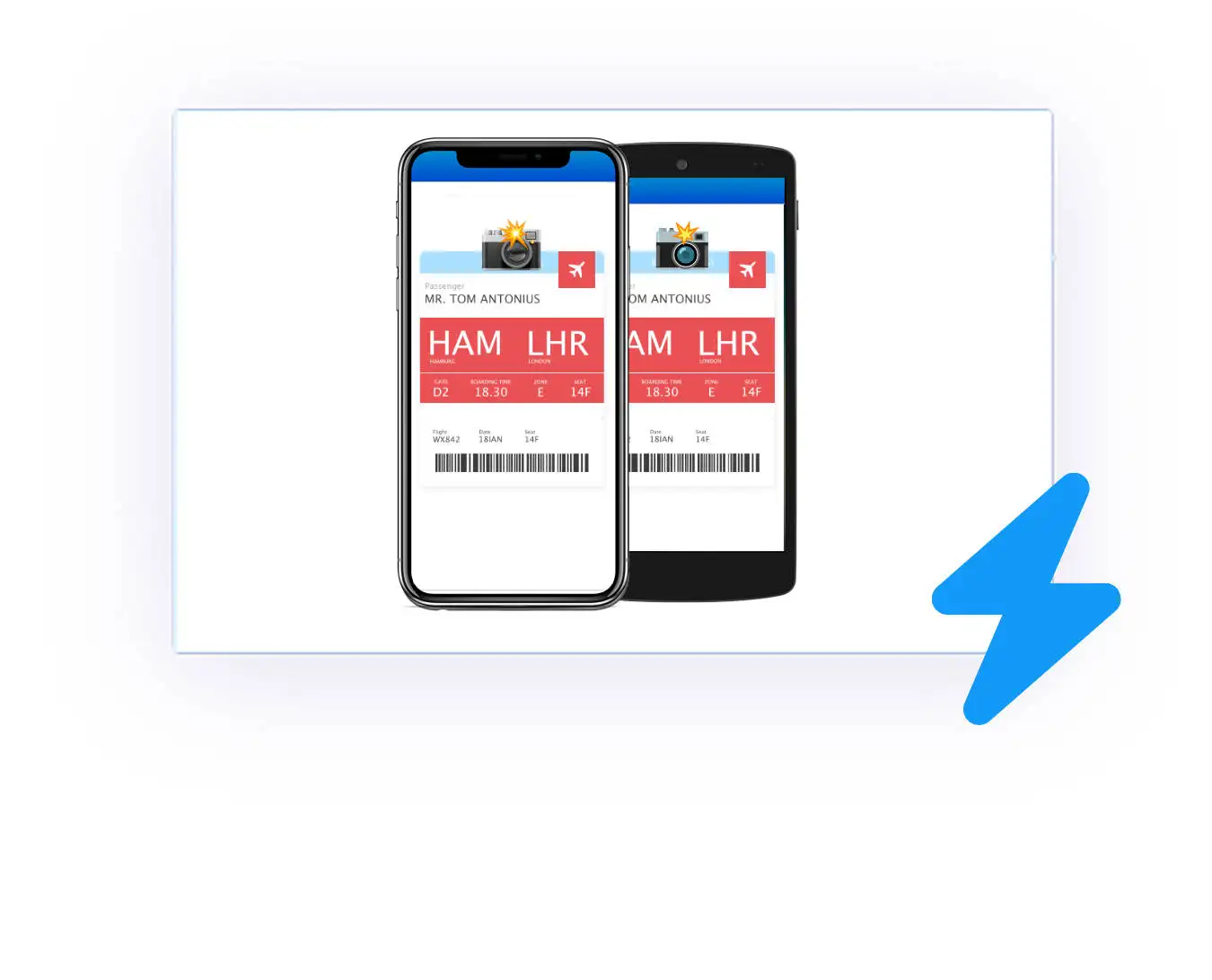
Screenshot API
Create a screenshot for the user programmatically via JavaScript easily - e.g., for tickets that should also be available offline.
App Version Check API
Use JavaScript to check which app version the user is using, e.g., to output content for users of certain versions.
NFC Plugin (sold separately)
Upgrade your app with near-field communication technology (plugin sold separately) that easily transfers data between devices and NFC cards.
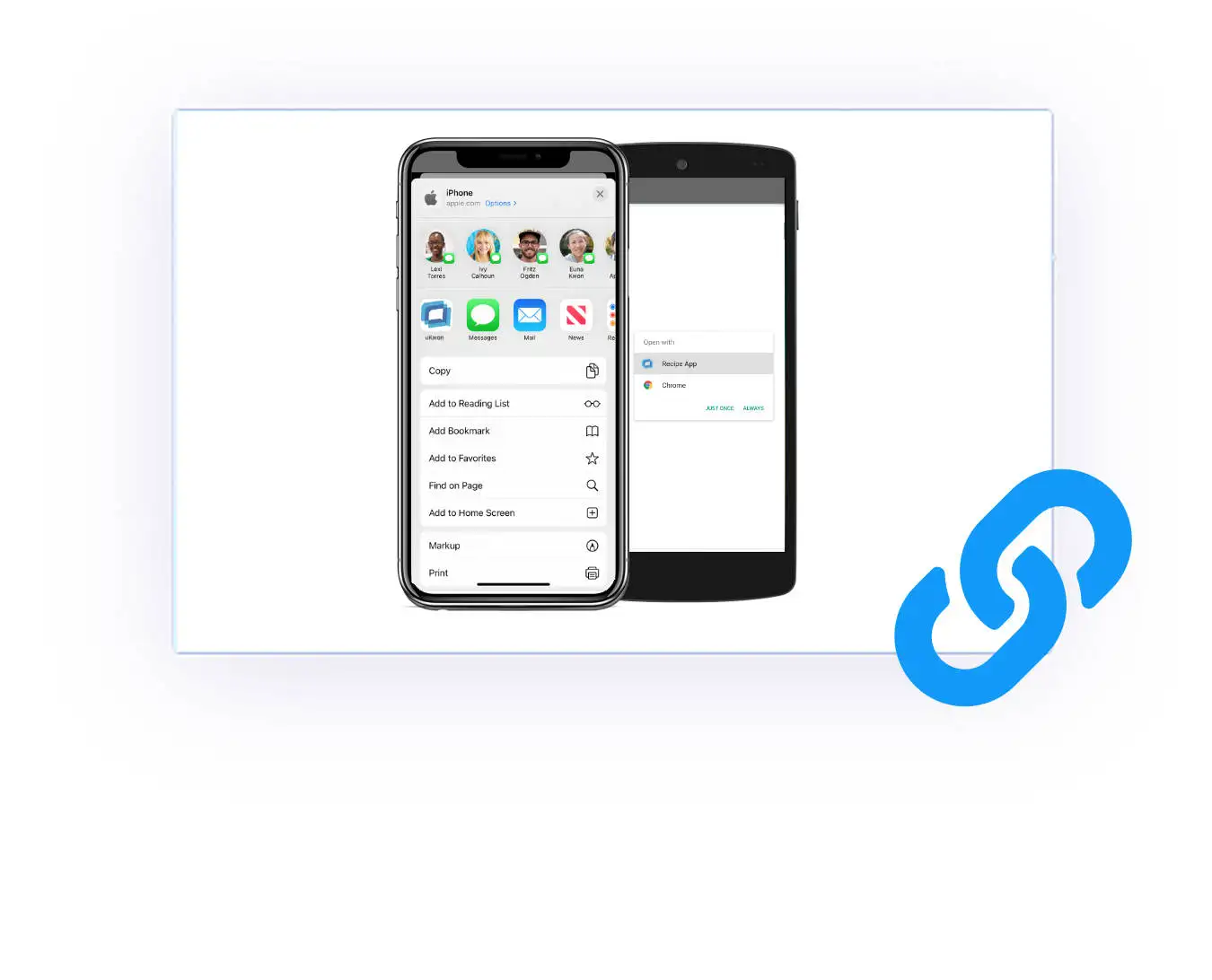
App Links API
Activate and configure App Links easily that bring users to specific content in your app while opened from another app (like Mail app).
Reset App API
Sometimes only a restart helps. This is true in life as well as in digital life. Call the Reset App API easily to clear all data , including cache and cookies.
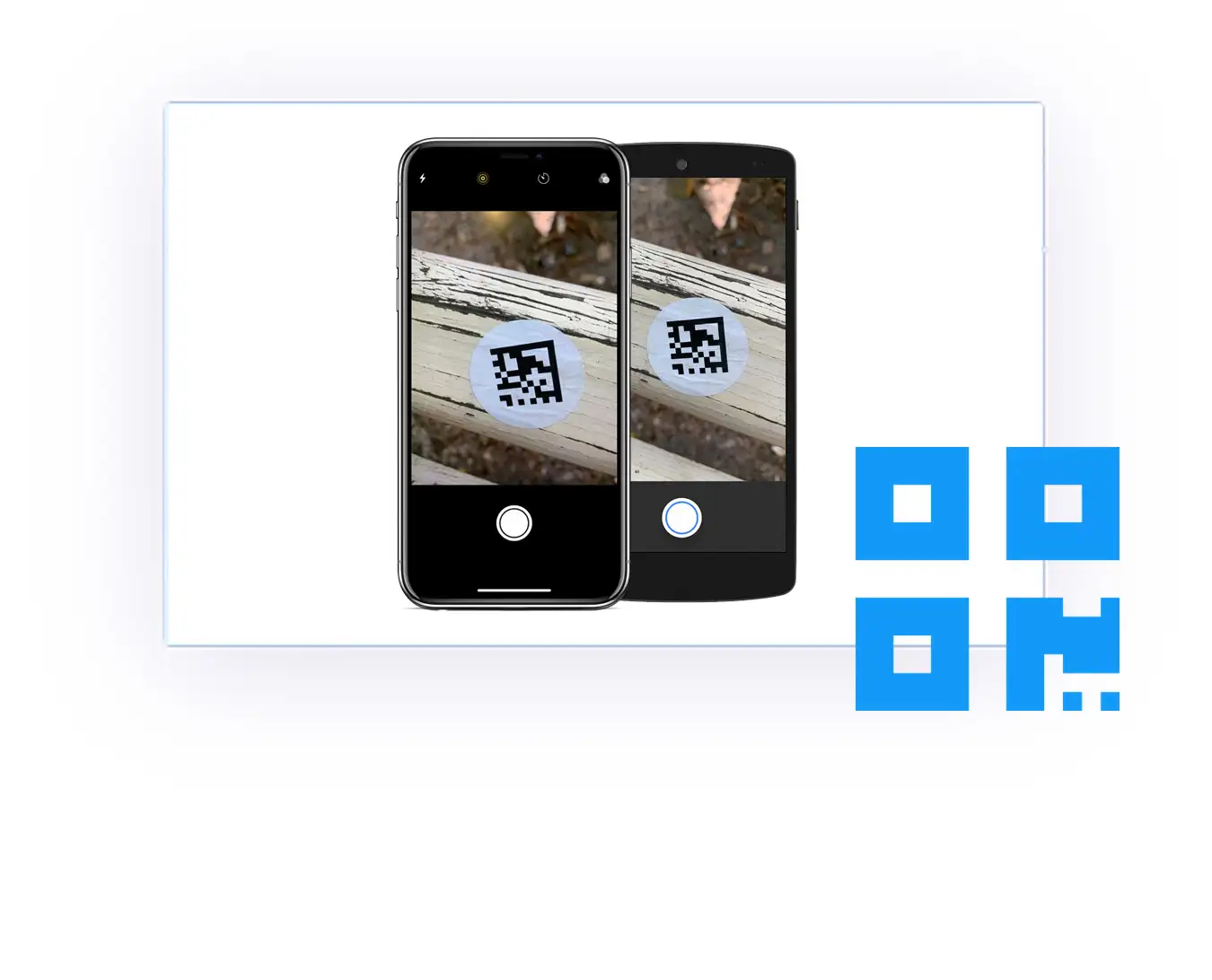
QR Code Scanner API
Upgrade your app for futuristic use cases by using the built-in QR Code Scanner API to open a fancy and functional QR Code Scanner.
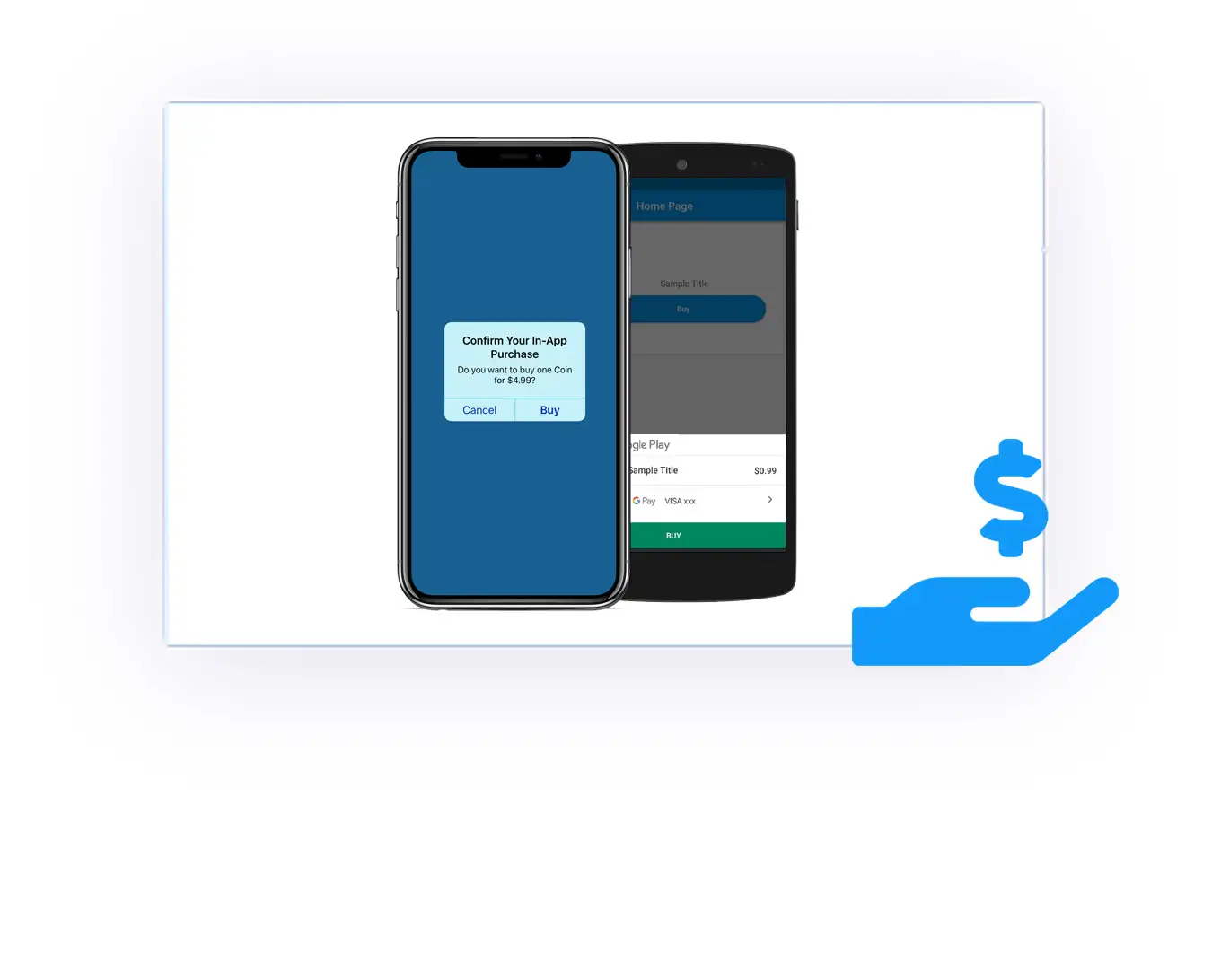
In-App Purchases (Extended License required)
Use the built-in In-App Purchases & Subscriptions API to directly charge your users via the Play Store & App Store for add-ons or services. Restore & cancel APIs (e.g., cancelinapppurchase://) plus a Purchase History API are included. Optionally integrate with RevenueCat.
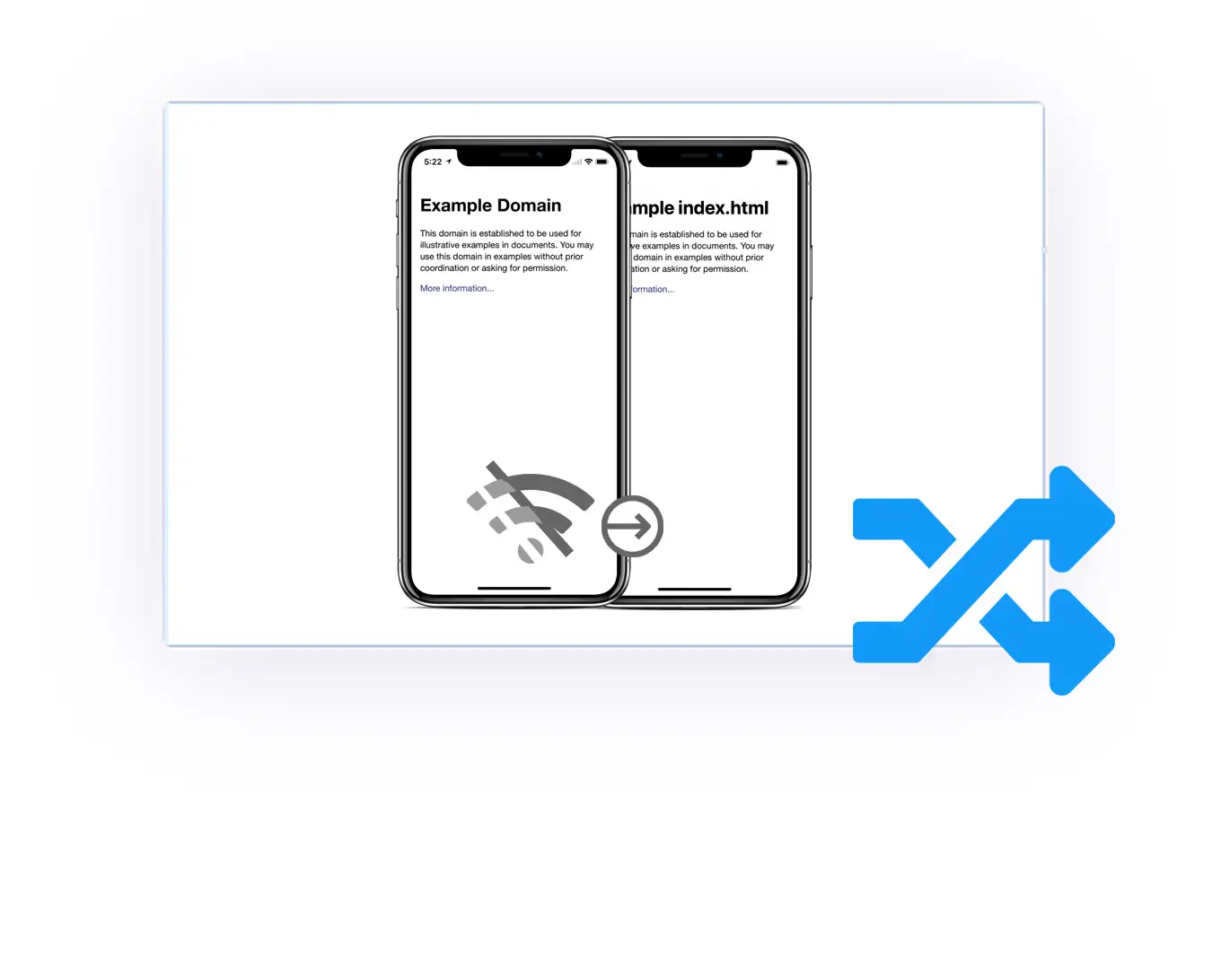
Smart Offline Fallback Mode
Activate this innovative switch mode to use a local HTML folder if the user is offline, and a remote URL if the user is online. Seamless experience, even offline.
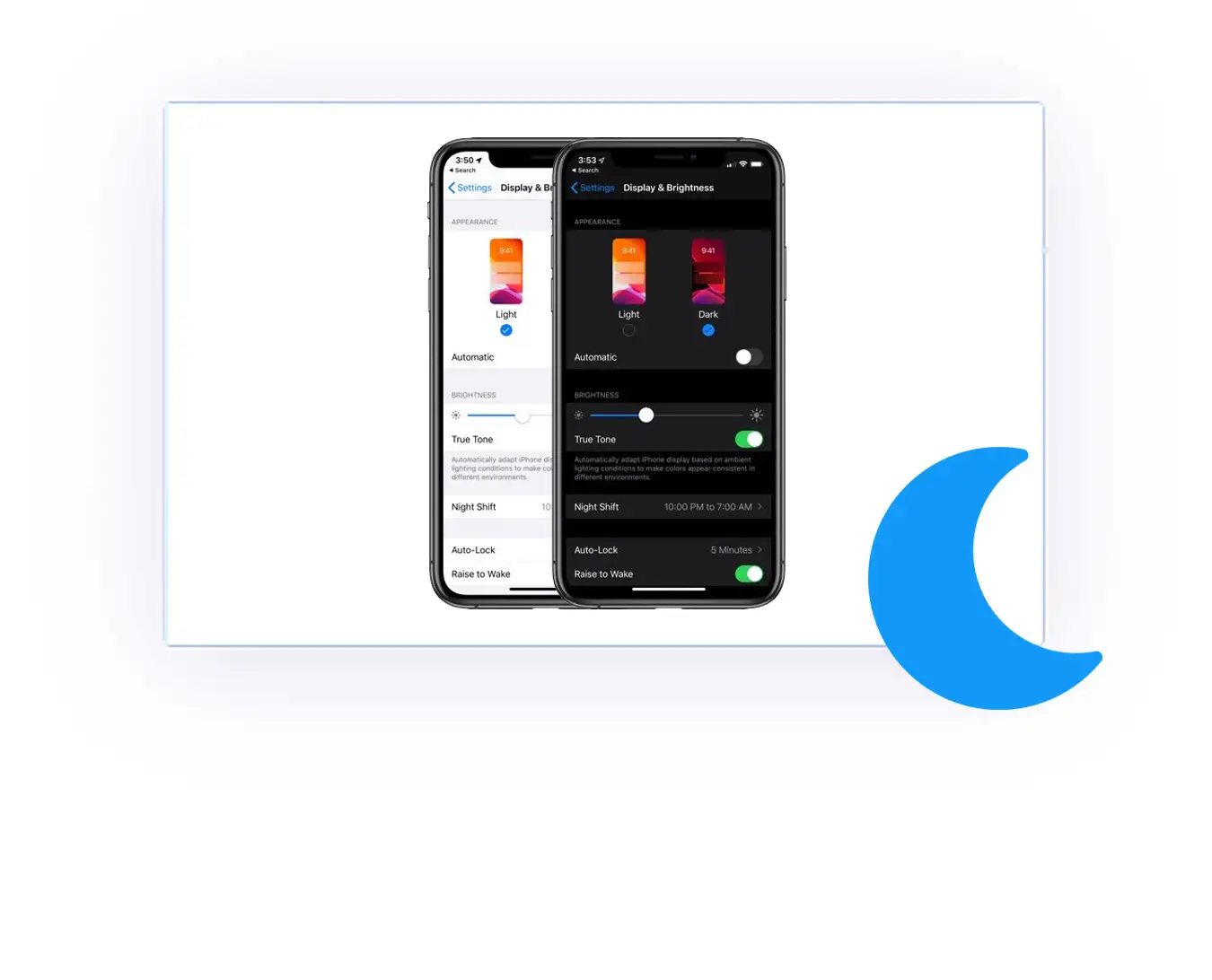
Dark Mode
Set a modified web address that will be used if the user activated Dark Mode. Or just always use your default web address in any case. On Android, additional dark mode handling options (like a DISABLE_DARK_MODE flag and dark/light status bar text color switching) are available.
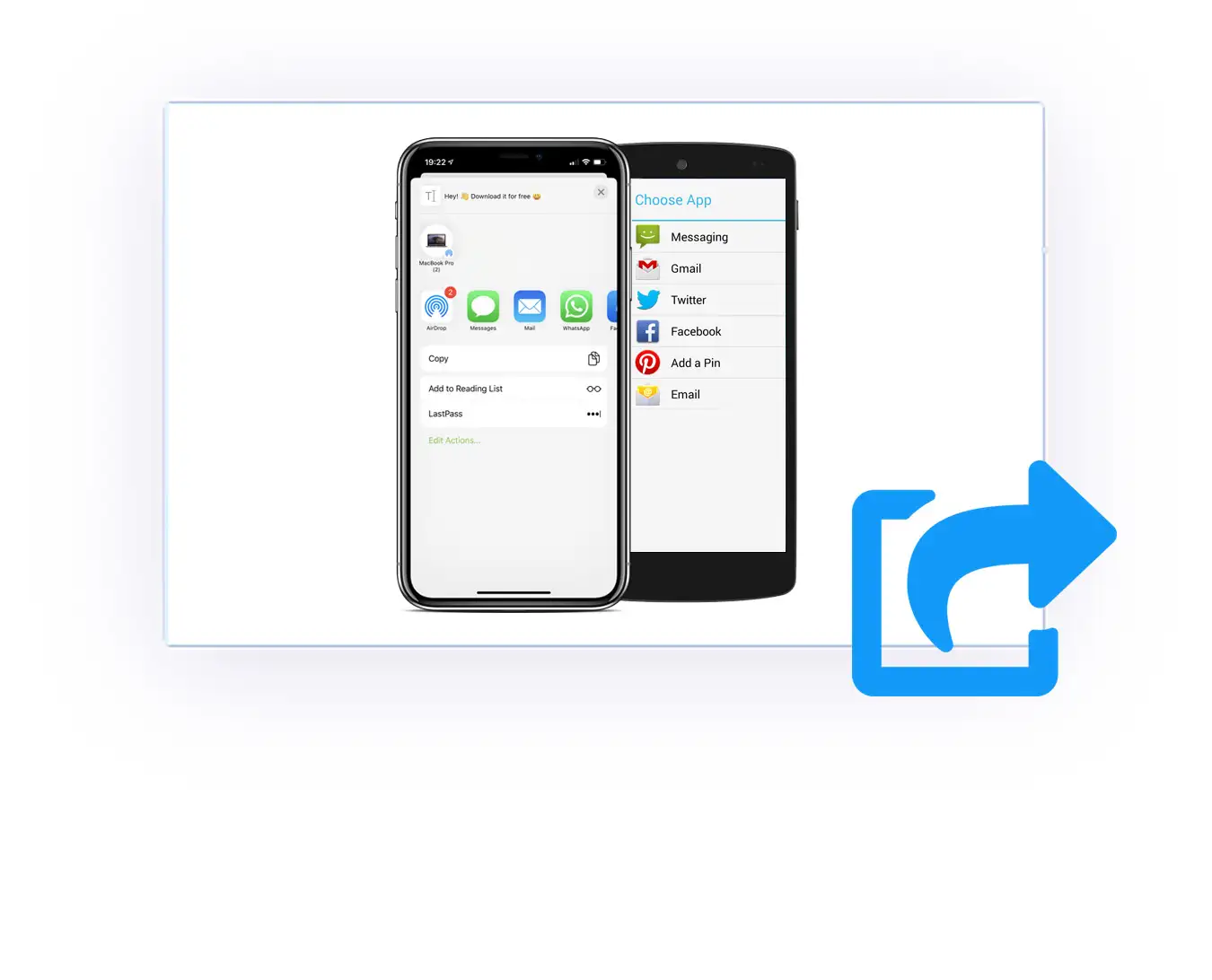
Native Sharing API
Enlarge your app user base: WebViewGold allows triggering a native App Sharing Dialog (WhatsApp, SMS, Mail, ...) by calling shareapp:// link..
Always Up-To-Date
All your website/web app changes will be applied to your iOS & Android app immediately. Free updates for WebViewGold itself included.
Even more native APIs & features
Trigger native functionality from your web app with simple JavaScript & link APIs – many of them with step-by-step documentation for iOS & Android.
Biometric Authentication
Protect your app with Face ID, Touch ID, or fingerprint – including App Lock, the on-demand bioauth:// trigger, and an app PIN fallback on Android.
EAN Barcode Scanner
Scan EAN barcodes with the built-in scanner and process the result directly in your web app.
Clipboard API
Copy text to the device clipboard and access the user's clipboard content (with user permission) via JavaScript.
Contacts API
Access the device address book (with user permission) and use contact data in your web app – including vCard handling support on iOS.
Document Scanner
Scan documents with the native scanner UI (VisionKit on iOS, ML Kit on Android) and receive them in your web app.
Flashlight API
Turn the device flashlight on and off with a simple link trigger.
Haptic Feedback API
Trigger native haptic/vibration feedback for a truly native feel.
HealthKit & Health Connect
Read and write health data via Apple HealthKit and Android Health Connect.
iCal Calendar API
Import .ics calendar events straight into your users' calendars – on Android via the built-in iCal/.ics downloader.
In-App Rating Dialog
Ask for App Store & Play Store ratings with the native in-app rating dialog.
MultiAPICall
Combine several WebViewGold JavaScript APIs in one single call.
Native Video & Picture-in-Picture
Play videos in the native player, including Picture-in-Picture support.
Native Navigation Elements
Optionally add a native navigation footer, sidebar, or drawer to your app.
Open App Settings
Jump directly to your app's iOS/Android system settings via settingsapp://.
Print API
Print documents and pages via printitem:// with a native print workflow.
Purchase History API
Retrieve the in-app payment purchase history of your users via JavaScript.
Read/Write Value API
Store and read app settings from your web app via readvalue:// and writevalue://.
Screenshot Detection & Prevention
Detect or block screenshots and screen recordings for sensitive content – a screenshot prevention option is available on Android as well.
Share Intent & Share Extension
Let users share content from other apps directly into your app.
Siri & Apple Shortcuts
Connect your app to Siri and the Apple Shortcuts app (optional add-on).
Widget Extension
Show your content on the home screen with an iOS widget.
App Clip Extension
Offer a lightweight instant version of your app via Apple App Clips.
Dynamic App Icon API
Switch your app icon dynamically at runtime via JavaScript.
Dynamic UI API
Change UI elements like the status bar dynamically at runtime.
Apple Wallet Importer
Import passes and tickets directly into Apple Wallet.
App Tracking Transparency
Configure ATT dialogs and query the current tracking status via API.
Crashlytics Integration
Monitor crashes of your Android app with Firebase Crashlytics.
Auto Reconnect
Automatically reload your web app as soon as the connection is back – or trigger reconnect:// manually.
WebRTC & Media Capture
Camera and microphone access for video calls, live streaming, and audio recording in your web app – including HTML5 live audio recording.
HTTP Basic Authentication
Built-in handling support for web apps protected by HTTP Basic Authentication.
Multi-Language Support
Provide app text strings in multiple languages and/or append the user's system language to your WebView URL.
Custom Headers & Launch Cookies
Send your own custom HTTP headers along with your WebView requests and set custom cookies automatically at app start (iOS).
Jailbreak & Root Detection
Detect and optionally block jailbroken (iOS) or rooted (Android) devices – ideal for security-sensitive apps.
eSIM Activation API
Trigger eSIM installation and activation directly from your app (iOS).
Full-Screen & Bar Control
Hide or show navigation bars dynamically via hidebars:// (iOS) or use the transparent status bar option (Android) for a true full-screen experience.
Custom Safe Area Color
Define a custom safe area/bottom bar color that perfectly matches your web app design.
Web Inspector Debug Mode
Inspect and debug your web app inside the WebView easily using the Safari Web Inspector (iOS).
Crypto Scheme Support
Seamless handoff to crypto apps: coinbase:// scheme support – plus the WalletConnect (wc:) scheme on Android.
SSL Certificate Handling
Flexible SSL certificate handling options for special hosting and staging setups.
Zoom Handling Options
Control the zoom behavior of your app – including custom text zoom scaling on Android.
Auto-Refresh Option
Reload your web content automatically in a defined interval – perfect for dashboards and kiosk apps.
Orientation & Input Helpers
Easy orientation settings (portrait, landscape, automatic) plus an input scroll helper for HTML forms (Android).
Latest Android Requirements
100% ready for the latest Google Play Target SDK requirements – with full 16 KB memory page size support and hardware acceleration options.
Download WebViewGold
Join customers worldwide who rely on WebViewGold, a proven app template made in Germany since 2014.
WebViewGold for iOS
Full Xcode iOS App Template that allows you to quickly convert your website/web app into iPhone and iPad apps. Alternatively, build in your browser with our Cloud Builder add-on. Winter Sale is valid until 31st December 2026. One-time fee. 100% white-label solution. Regular License. Updates for free.
- Works with any web app/website that works on iOS Safari browser – including no-code & AI-generated projects from Lovable, base44, Replit, bubble, Webflow, and more
- 100% ready for the Apple App Store (or get a refund within 14 days)
- Many advanced options (e.g., URL Handling, Social Login Support, Downloader, Banner/Interstitial Ads, Push Notifications, & QR Code Scanner)
- Requires Xcode on macOS – or use our Cloud Builder add-on to compile online without Xcode.
- No coding knowledge required. Ready within minutes. 24/7 Human Live Chat Support. AI-Searchable Documentation included.

WebViewGold for Android
Full Android Studio Template that allows you to quickly convert your website/web app into an Android app. Alternatively, build in your browser with our Cloud Builder add-on. Winter Sale is valid until 31st December 2026. One-time fee. 100% white-label solution. Regular License. Updates for free.
- Works with any web app/website that works on Chrome browser – including no-code & AI-generated projects from Lovable, base44, Replit, bubble, Webflow, and more
- 100% ready for the Google Play Store (or get a refund within 14 days)
- Many advanced options (e.g., URL Handling, Social Login Support, Downloader, Banner/Interstitial Ads, Push Notifications, & QR Code Scanner)
- Requires Android Studio – or use our Cloud Builder add-on to compile online without Android Studio.
- No coding knowledge required. Ready within minutes. 24/7 Human Live Chat Support. AI-Searchable Documentation included.
Full Service
We take care of everything and convert your website/web app into an app for iOS or Android. Delivery within 72 hours. Winter Sale is valid until 31st December 2026. One-time fee, 100% white-label solution.
- Just tell us your requirements and upload your app icon – our team takes it from there and handles configuration, build, and store submission with meticulous care. You receive your finished app within 72 hours.
*Compliance depends on the specific configuration, implementation, data-processing activities, app category, and intended use. Contact us for more information.
Join the WebViewGold community today and take your digital business to the next stage.
Prices displayed are in US dollars and exclude value-added taxes.
Does not include payment handling fees, the final price can be seen at checkout. Terms and Conditions apply.
Prices refer to the Regular License. Are you looking for example apps? Click here.
Check out WebViewGold for Mac as well if you want to convert your web application into a macOS desktop app.
License Info & Terms
Example apps made with WebViewGold
96.4% of all WebViewGold apps get approved by the App Store Review Team on the first attempt. On Android, our first-attempt approval rate is 99.8%.














Testimonials
We are in love with our community.
And that love seems to be a two-way street.

Daniel Strongin
Envato Tuts+"The WebViewGold app template is another great template that allows users to convert website content into an app. It does so by using a Swift Xcode package to wrap the URL or local HTML into an iOS app. [...] The real genius of this app template, though, is that it does its work in just a few clicks. So no coding knowledge is required! [...]" (read this review in original)

"I must say this is a very high-quality product. When I purchased it, I had no experience in Android development. But the documentation was very clear and to point, and I managed to customize the code to meet my requirements within a very short time. [...] Thanks for saving me a lot of time and resources." (read this review in original)

Great way of converting your web app to a native app! Fast turn-around, and a great way to get your apps into the app stores without the need to develop a full native app! (read this review in original)

Oren Dembo
Projects Manager at Microline Computers Systems; via mail"I’m thrilled to tell you that it’s worked! You really helped me a lot!!!"

Julian Koch
Co-Founder of DuelDonkey; via CodeCanyon"With a good optimized version of your web app you can have a stunning mobile app within a couple of minutes. Additionally to that the customer service is very nice and very helpful! I can just recommend WebViewGold :-)" (read this review in original)

Thomas Lucas
Co-Founder & Chief Technology Officer of FindR™; via Trustpilot"A game changer for app development! WebViewGold is a gem! It's incredibly affordable, and the value you get is just outstanding. [...] What's great is its simplicity for basic needs, but it's also packed with advanced features when you need them. [...] Big thanks to the WebViewGold team!" (read this review in original)

"Great work! Never coded anything but managed to work with this. Easy and fast! Also with great help from the creators!" (read this review in original)

Alex Nagy
Co-Founder & Chief Technology Officer of Rebeloper; via YouTube"I highly recommend them […]; it’s really, really awesome to have a web app inside an iOS app and then publish it onto the App Store." (read this review in original)

"Support is #1. I have a lot of purchases on this website, but this item's support is the best." (read this review in original)

"WebViewGold has allowed us the shortest and most efficient time-to-market ever possible from among all the other app platforms we have ever tried during the past 5 years. I don’t know why I hadn’t discovered you sooner, but I am really, really glad I did. Currently nearing 6000 app downloads on both iOS App Store & Google Play Store without any problem!" (read this review in original)

"I am very happy I bought this app! Extremely easy and great documentation. Was in contact with the customer service, they replied very quickly and very friendly. They solved my question within a day. 10/10 would recommend." (read this review in original)

"My iOS WebView is finally approved. Thanks!!" (read this review in original)

"One of the best products I purchased from CodeCanyon. Best quality, best code, best product. Recommended for everyone." (read this review in original)



























Changelog
Free updates included – see what's new in WebViewGold for iOS & Android. With regular updates for the latest iOS/Xcode & Android/Google Play Target SDK requirements and SDK updates (e.g., RevenueCat, OneSignal, and Pushwoosh).
WebViewGold for iOS – Changelog
- Version 15.8 (30 July 26)
- More Dynamic URL Handling Settings
- Optional Custom Sidebar
- Siri API
- Native Google Auth beside Social Login Helper
- coinbase:// Scheme Support
- printitem:// Print API with an asynchronous download and print workflow
- SDK Updates (e.g., RevenueCat, OneSignal, and Pushwoosh)
- eSIM Activation API
- HealthKit API
- Vision Kit API
- Apple Shortcuts API
- API to get the In-App Payment Purchase History
- Improved API to see ATT Tracking Status
- Custom Header Injection
- Cookie on Launch Feature
- Version 15.7 (13 May 26)
- Better App Rating Fallback
- Cloud Builder v1.0 Launch (September 25)
- See https://www.webviewgold.com/cloud-builder/
- Version 15.6 (22 August 25)
- New, optional RevenueCat API for easier In-App Purchase & In-App Subscription Handling
- Version 15.5 (12 August 25)
- New Clipboard API
- New Widget Extension Feature
- New Share Extension Feature
- New Shortcut API Feature
- New Siri Extension (optional Add-On; sold separately)
- New HealthKit Extension (optional Add-On; sold separately)
- Improved Social Login Helper
- Improved In-App Status Bar Color Handling
- Improved Apple Wallet Importer
- Updated OneSignal SDK
- New App Clip Extension Feature
- New Native Navigation Footer Option
- New Screenshot / Screen Recording Detection & Prevention API
- Version 15.4 (26 March 25)
- Improved Status Update API
- Improved In-App Purchase Restore API
- Improved Social Media Login Helper
- New In-App Purchase Cancel API
- New Contacts API
- New EAN Barcode Scanner
- New dynamic API to enable/disable Pull-To-Refresh
- New Flashlight API
- Version 15.3 (22 January 25)
- Improved In-App Purchase/Subscription API
- iCal Downloader Improvements
- Version 15.2 (14 January 25)
- iPhone 16 Pro Max Viewport Improvements
- Version 15.1 (25 December 24)
- iCal Downloader Improvements
- AdMob SDK Improvements
- Version 15.0 (21 November 24)
- Orientation Lock Improvements
- Version 14.9 (14 November 24)
- Splash Screen Improvements
- Version 14.8 (25 October 24)
- Firebase ID Retrieval Improvements
- Version 14.7 (21 October 24)
- AdMob Rewards Improvements
- Version 14.6 (5 October 24)
- Orientation Change Viewport Improvements
- Version 14.5 (18 September 24)
- Xcode 16 & iOS 18 Improvements
- QR Code Scanner Improvements
- In-App Purchases Improvements including new "getstorelocation://" API
- New "autoInjectVariable" Feature
- Version 14.4 (31 July 24)
- AdMob Rewarded Ads Feature
- hidebars:// Feature
- Version 14.3 (26 July 24)
- OneSignal SDK Improvements
- Version 14.2 (25 July 24)
- Upgraded Pushwoosh SDK
- New Jailbreak Detection & Blocking Feature
- Improved WebRTC/Media Capture Permissions
- Version 14.1 (26 June 24)
- Improved QR Code Scanner
- Improved Background Location Support
- Version 14.0 (30 May 24)
- New App Lock functionality
- New Zoom Prevention option
- Version 13.9 (30 May 24)
- Bio Auth API Improvements
- Ad Improvements
- Added NSLocationAlwaysAndWhenInUseUsageDescription
- Version 13.8 (11 May 24)
- Small Bug Fixes
- Version 13.7 (2 May 24)
- New: Pushwoosh Push Support
- Version 13.6 (20 April 24)
- Improved Haptic Feedback API
- Improved Push Notification Badge Handling
- Version 13.5 (2 April 24)
- ITMS-91053 Improvements
- Version 13.4 (27 March 24)
- New Splash Timeout Option
- Improved Custom CSS and Custom JavaScript Injection
- Improved Offline Screen Auto Retry Option
- Improved Basic Authentication Support
- Improved PassKit / Apple Wallet Support
- New Ads after Screen Taps Option
- New Haptic Feedback API
- Version 13.3 (16 December 23)
- Improved Google Login Helper
- Improved AdMob Interstitial Ads
- Specific Link Triggers for AdMob & Facebook Interstitial Ads
- Cancel Button Customization Options
- Version 13.2 (1 November 23)
- Improved Dynamic UI API
- New Bio Authentication API (Face ID / Touch ID)
- New Universal Links API
- Version 13.1 (18 October 23)
- New Scanning Mode option
- Version 13.0 (26 September 23)
- Xcode 15 Improvements
- Version 12.9 (22 September 23)
- Improved vCard Handling Support
- Small General Improvements
- Version 12.8 (16 September 23)
- Improved Firebase SDK
- New EnhanceUrlUUID Feature
- New LinkDragAndDrop Feature
- App Sharing API Improvements
- Version 12.7 (24 August 23)
- Deeplinking Improvements
- Splash Screen Improvements
- Firebase Topic Subscription Improvements
- Downloader Improvements
- Version 12.6 (14 August 23)
- New Custom JavaScript Feature
- Improved OneSignal Push Notification Handling
- New Debug Mode using Safari
- Version 12.5 (12 July 23)
- Improved AdSense Web Ads Support
- Version 12.4 (23 June 23)
- Improved QR Scanner Options
- Easier SSL Certificate Handling
- Version 12.3 (21 June 23)
- Improved Cache & Cookie Clearing Options
- Version 12.2 (21 June 23)
- Updated AdMob SDK / Google Ads SDK
- Improved Multi-Language Support
- Version 12.1 (10 June 23)
- Improved Local JavaScript Push Notifications API
- Version 12.0 (27 May 23)
- Improved Google Maps iFrame Support
- Updated Firebase SDK
- Improved Share App API
- Version 11.9 (15 April 23)
- Xcode 14.3 Archiving Fix (or follow this guide with previous versions)
- Version 11.8 (06 April 23)
- New Auto-Refresh Feature
- Xcode 14.3 Improvements (read this for setup with Apple Chip-based Macs)
- Version 11.7 (21 March 23)
- Improved Ads + Apple App Tracking Transparency Configuration Options
- Improved "Rate This App" Dialog Compatibility
- Improved Firebase Push Deeplinking
- Improved In-App Tab Link Handling
- Version 11.6 (25 February 23)
- OneSignal SDK Update
- Improved Local WWW Downloader Functionality
- Version 11.5 (26 January 23)
- Improved URL Handling Options
- Improved CSS Injection
- Improved Splash Screen Width Options
- Improved Social Media Login Helper
- Improved Local HTML Folder Mode
- Improved Loading Sign Handling in In-App Purchase Mode
- Removed default UINewsstandIcon references from Info.plist
- New Dynamic Status Bar API
- Version 11.4 (29 December 22)
- New Dynamic App Icon API
- Improved Instagram/YouTube/Twitter Link Handling
- No annoying duplicate media permission requests anymore! ;-)
- Version 11.3 (21 October 22)
- Status Bar Improvements
- Version 11.2 (03 October 22)
- Status Bar and Offline Screen Improvements
- Version 11.1 (23 September 22)
- Podfile Improvements
- Version 11.0 (22 September 22)
- getonesignalplayerid:// API Improvements
- iOS 16 Splash Screen Improvements
- Version 10.9 (19 September 22)
- Deeplinking Improvements
- Version 10.8 (16 September 22)
- In-App Purchase Sandbox Improvements
- Version 10.7 (26 August 22)
- OneSignal Improvements
- Version 10.6 (09 August 22)
- Improved "Login with Google" functionality
- Improved "Login with Facebook" functionality
- Improved Splash Screen
- Improved HTML 5 Geolocation (without further permission request if triggered via button or link)
- Version 10.5 (01 August 22)
- New MultiAPICall API
- Version 10.4 (11 July 22)
- Improved Status Bar in Landscape Mode
- Version 10.3 (07 July 22)
- Improved Popup URL Handling
- Version 10.2 (20 June 22)
- Improved Version Check API
- Version 10.1 (03 June 22)
- Improved Viewport Handling
- Improved Dark Mode
- Version 10.0 (12 May 22)
- Improved "Login with Google" support
- Improved "Login with Facebook" support
- Improved documentation
- Version 9.9 (22 April 22)
- Splash Screen Bug Fix
- Version 9.8 (12 April 22)
- Improved: NFC Handling
- Version 9.7 (21 February 22)
- New: Take Screenshot API
- New: App Version Check API
- Improved: Get OneSignal User ID by JavaScript
- Version 9.6 (27 January 22)
- Improvements for custom safe area/bottom bar background-color
- Version 9.5 (21 December 21)
- Improvements for faster Apple App Store Review
- Added Pull To Refresh
- Version 9.4 (28 November 21)
- Improved In-App Subscription Handling
- Version 9.3 (2 October 21)
- Improved ATT on iOS 15 and Xcode 13
- Version 9.2 (26 July 21)
- Improved Viewport
- Improved Offline Screen
- New Swipe Gesture Navigation
- Version 9.1 (01 July 21)
- Improved URL Handling
- Version 9.0 (25 June 21)
- Improved Privacy Default Keys in Info.plist
- Improved Date Picker Support
- Improved Sharing API on iPad
- Improved Facebook Ads
- Version 8.9 (18 May 21)
- Support for Apple App Tracking Transparency
- Improved OneSignal Notification Handling
- Support for Facebook Interstitial Ads
- Version 8.8 (2 April 21)
- Improved QR Code Scanner
- Improved Local HTML Mode
- Improved URL Handling (Whitelist and Blacklist)
- New Prevent Sleep API
- New Auto Reconnect Feature
- Improved Image Saving API
- Improved Configuration Options via Config.swift
- Added support for extending the WebView URL by Firebase Token
- Version 8.7 (9 March 21)
- Improved Custom User-Agent Mechanism
- Version 8.6 (2 March 21)
- Improved Splash Screen Size Handling
- Improved Push Permission Dialog
- Improved In-App Purchase Sandbox Fallback
- Version 8.5 (19 February 21)
- Updated Firebase SDK for M1 chip-based Macs
- Updated OneSignal SDK for M1 chip-based Macs
- Version 8.4 (29 December 20)
- Improvements for App Store archiving on Xcode 12.3
- Version 8.3 (28 December 20)
- Improvements for deployment on Xcode 12.3
- Improvements for Local HTML Mode
- Version 8.2 (18 December 20)
- Improvements for deployment on Xcode on M1 Mac devices
- Version 8.1 (15 December 20)
- Improved Splash Screen Handling
- Version 8.0 (3 December 20)
- Improved In-App Purchase Sandbox/Production Handling
- Improved Splash Screen Options
- Improved Push Notification Registration
- Version 7.9 (16 November 20)
- Improvements for iOS 14.2 and Xcode 12.2
- Improvements for the iOS Dark Mode
- Improved Offline Screen
- Improvements for the In-App Purchases API
- New iCal Calendar / .ics API
- New Feature: Retrieve a UUID/Universally Unique Identifier via JavaScript
- New option to open OneSignal Deeplinking links in Safari
- New option to open QR code links in Safari, a popup, or the main window
- New option to modify the Splash Screen color easily
- New option to modify the Loading Sign color easily
- Version 7.8 (21 September 20)
- Improvements for the QR Code Scanner API
- Version 7.7 (18 September 20)
- Improvements for iOS 14 & iPadOS 14
- Improvements for the new iPad Air
- Improvements for Xcode 12
- Version 7.6 (14 July 20)
- Additional functions for the iOS Dark Mode
- Improved splash screen and new offline emoji
- Improved hybrid mode for switching from local HTML to remote content
- Version 7.5 (19 June 20)
- Improvements regarding status bar size
- Version 7.4 (12 June 20)
- Improvements related to HTML 5 Background Audio
- Version 7.3 (3 June 20)
- Improvements related to Deeplinking
- Improvements related to WhatsApp Links
- New option: Hide/Show vertical and/or horizontal scrolling bars
- Version 7.2 (13 May 20)
- Improvements related to OneSignal & Status Bar Text Color
- Version 7.1 (28 April 20)
- Improvements related to version 7.0
- Version 7.0 (24 April 20)
- General Improvements, like a new Sharing Dialog API
- Add unlimited file types that should trigger the built-in file downloader
- New optional fallback switch mode: Use local HTML folder if the user is offline, and use the remote URL if the user is online
- New language option: Append the user system language to the WebView URL
- Support for OneSignal In-App Messages
- Support for multiple products while using the In-App Purchase/In-App Subscription APIs
- Support for animated GIFs as a Splash Screen
- Change the background color of the Splash Screen easily
- Brand-new QR Code Scanner API
- Version 6.9.1 (31 March 20)
- Improvements regarding the UIWebView fallback for older iOS devices
- Version 6.9 (17 March 20)
- Improvements regarding the renaming of the Bundle Identifier
- Version 6.8 (10 February 20)
- Improvements regarding AdMob SDK
- Version 6.7 (4 February 20)
- Bug Fix regarding OneSignal Deeplinking in In-App Tab
- Bug Fix regarding Dark Mode Status Bar
- New: Downloader mechanism for ePub eBooks and Apple Wallet items
- New: Firebase Push Notifications
- New: Upgrade to Swift 5 (from Swift 4)
- New: In-App Subscriptions
- Version 6.6 (8 November 19)
- Improved: Custom Status Bar Color Design on iOS 13.2
- New: Support for Dark Mode (define a different, optional URL that will be used when iOS Dark Mode is active)
- New: Ask for the push notification permission later than the first launch by a registerpush:// link in your web app
- New: Whitelist Example when using "Open all external URLs in Safari" link handling option
- New: Define a custom UserAgent for iPad Pro on iPadOS (even if that one would normally override it with a desktop UserAgent since iOS/iPadOS 13.0)
- Version 6.5 (18 September 19)
- New: Tab Functionality (optional; open new links in additional In-App Browser by calling top.location or top.location.href)
- New: Display the Splash Screen until the first page was loaded completely (optional)
- New: Define custom CSS classes (that will be injected into your web app code while loading in the app built with WebViewGold)
- New: Show/Hide the Loading Indicator Spinner with JavaScript manually
- New: 100% ready for iOS 13 and Xcode 11
- Version 6.4 (11 July 19)
- New feature: Use a reset:// link to delete cookies & cache of your user
- Version 6.3 (18 June 19)
- Improved In-App Purchases API dialog
- Improved loading sign configuration options
- Version 6.2 (14 June 19)
- Improved "Share this app" dialog
- Added option to prevent WKWebView 3D Touch link preview/callout links
- Version 6.1 (18 May 19)
- Improvements regarding Image Downloader API on iOS 12.3
- Improvements regarding configuration options of Safe Area on iPhone X/XS/XS Max and XR devices
- Version 6.0 (16 May 19)
- Added App Store In-App-Purchase API (via URL trigger)
- Added native App Sharing dialog (via URL trigger)
- Version 5.9 (24 April 19)
- Improvements regarding OneSignal SDK
- Version 5.8 (5 April 19)
- Improvements regarding Video Recording in HTML <form> upload elements
- Version 5.7 (3 April 19)
- General Swift code improvements
- Improved documentation
- Improved purchase code verification
- Version 5.6 (21 March 19)
- Improvements regarding Deeplinking URL in OneSignal & Safe Area on iPhone X
- Added Music file downloader API
- Version 5.5 (11 February 19)
- Full-screen iPad Pro safe area support
- Version 5.4 (3 January 19)
- Improvements regarding Status Background Color on newer devices
- Improvements regarding iPhone X/XS/XS Plus safe area content
- New feature: Option to disable OneSignal push notification permission request
- Version 5.3 (31 December 18)
- Improved documentation
- Version 5.2 (3 December 18)
- General Swift code improvements
- Version 5.1 (30 November 18)
- Added URL Deeplinking feature for OneSignal push notifications
- Version 5.0 (26 November 18)
- New feature: Universal links (possibility to easily configure a link scheme like webviewgold:// which can be triggered from Mail app, Safari app, ... and opens the attached link in the WebView app)
- Version 4.9 (3 November 18)
- Improvements regarding Status bar background color on iPhone XS and XR devices
- Version 4.8 (29 October 18)
- Improvements regarding Status bar background color on iPhone X devices
- Version 4.7 (27 October 18)
- New: Use built-in AdMob SDK to display banner & full-screen interstitial ads (optional)
- Version 4.6 (23 October 18)
- New: Option to disable the loading sign
- Version 4.5 (30 September 18)
- Improved documentation
- Version 4.4.1 (18 September 18)
- New: iOS 12 & iPhone XS + iPhone XS Max support
- Version 4.4 (27 June 18)
- New: Option to customize iPhone X status bar
- Version 4.3 (4 June 18)
- Improvements regarding 3D touch link preview prevention
- Version 4.2 (27 May 18)
- New: Use built-in OneSignal SDK to send remote push notifications
- Improved documentation
- Version 4.1 (20 May 18)
- Improved: Option to disable built-in dialogs
- Improvements regarding PDF Downloader API on iOS 9.x devices
- Version 4.0 (2 April 18)
- New: Define separated UserAgents for iPhone and iPad devices
- New: Downloader for PDF documents (using "Open with" dialog)
- New: JavaScript dialogs like alert(), confirm() and prompt()
- Version 3.8 (18 February 18)
- Improvements concerning iPad screen dimensions
- Version 3.7 (2 January 18)
- Improvements concerning iPhone X screen dimensions
- Version 3.6 (15 December 17)
- New: Direct In-App App Store rating dialog
- Improvements concerning Interface Design in Objective C edition
- Improved documentation
- Version 3.5 (23 October 17)
- Improvements related to local URL Handling feature
- Improved documentation
- Version 3.4 (4 October 17)
- Improvements related to local HTML feature on iOS 11
- Version 3.3 (19 September 17)
- Improvements for the new iOS 11 system
- Optimization for iPhone X screen dimensions
- Version 3.2 (15 March 17)
- General Swift code improvements
- Version 3.1 (24 February 17)
- Improvements related to Xcode 8.3 Beta
- Improved documentation
- Version 3.0 (4 January 17)
- WKWebView support for better performance
- Additional Swift source code edition included
- Improved documentation
- Version 2.9.1 (8 December 16)
- Added NSLocationWhenInUseUsageDescription key to Info.plist
- Improved documentation
- Version 2.9 (27 September 16)
- Added NSPhotoLibraryUsageDescription key to Info.plist
- Version 2.8 (16 September 16)
- Improvements for Xcode 8 and iOS 10
- Optimizations for iPhone 7 and iPhone 7 Plus
- Version 2.7 (23 February 16)
- General Swift code improvements
- Version 2.6 (15 February 16)
- General Swift code improvements
- New: Custom status bar design
- New: Image Downloader API
- Version 2.5 (3 October 15)
- Improvements related to Push Notification Permission Dialog
- Version 2.4 (28 September 15)
- Improvements related to Loading Bar
- Version 2.3 (28 September 15)
- Improvements related to iPad Multitasking
- Version 2.2 (26 September 15)
- Various improvements
- Version 2.1 (22 September 15)
- Improvements for users of Xcode 7.0
- Version 2.0 (2 September 15)
- Improved documentation
- Improved offline screen
- Improvements regarding iPad <form> dropdown menus
- Support for file uploads
- Version 1.9 (17 August 15)
- Improved documentation
- Version 1.8 (18 June 15)
- New: Sound for push notifications
- Version 1.7 (16 June 15)
- Improvements regarding loading sign center position on iPhone 6/6+ (related to v1.6)
- Version 1.6 (6 June 15)
- Improvements regarding screen dimension parameters
- Version 1.5 (8 April 15)
- Improvements regarding icons
- Sound Multitasking enabled
- Geolocation Bug Fix
- Updated documentation
- Version 1.4 (5 April 15)
- Improvements regarding local push notifications feature
- Version 1.3 (1 March 15)
- Updated icons
- Updated documentation
- Various improvements
- Version 1.2 (26 February 15)
- Support for local HTML folders
- Updated documentation
- Version 1.1 (23 February 15)
- Improvements related to iPhone 6/6 Plus
- Version 1.0 (2 February 15)
- Initial release of rebranded iOS edition of WebViewGold
WebViewGold for Android – Changelog
- Version 16.9.2 (13 August 26)
- Minor Target SDK Improvements for Billing SDK, Splash, and Status Bar
- Version 16.9.1 (28 July 26)
- Improved Health Connect Support
- Upgraded Target SDK from v36 to v37
- Version 16.9 (23 July 26)
- Optimized for Android 16 and Google Play Billing 8
- New settingsapp:// Link – open your app’s Android system settings directly
- New reconnect:// Link Trigger
- Improved App Rating Dialog
- New App PIN Fallback for Biometric Authentication
- Improved Splash Screen Fade-Out
- Improved Social Login Helper
- Updated SDKs (e.g., RevenueCat, OneSignal, and Pushwoosh)
- New coinbase:// Scheme Support
- New readvalue:// and writevalue:// Triggers – read and write app settings via JavaScript in the WebView
- New bioauth:// Trigger – request Biometric Authentication on demand
- New Document Scanner powered by ML Kit (including a configuration flag
ENABLE_ML_KIT_DOCUMENT_SCANNERto enable/disable the feature) - New API to retrieve the In-App Payment Purchase History
- Improved Printer Feature
- Improved Custom Navigation Footer & Drawer
- New Health Connect Read/Write Functionality (mirrors the iOS HealthKit functionality; returns today's values for a set number of records/keys)
- New Crashlytics Integration
- Version 16.8 (13 May 26)
- Improved 16 KB Memory Page Size Support
- Cloud Builder v1.0 Launch (September 25)
- See https://www.webviewgold.com/cloud-builder/
- Version 16.7 (22 August 25)
- New, optional RevenueCat API for easier In-App Purchase & In-App Subscription Handling
- Version 16.6 (8 August 25)
- Improved User-Agent Handling
- New Native Video with Picture-in-Picture (PiP) API
- Version 16.5 (12 June 25)
- Improved In-App Subscription Handling
- New Dynamic enableads:// and disableads:// Links
- Version 16.4 (22 May 25)
- New cancelinapppurchase:// Feature
- Updated OneSignal SDK
- New SCREEN_CAPTURE_DETECTION Feature
- Android 15 Status Bar Improvements
- Splash Screen Improvement: New SPLASH_FADE_OUT Option
- Splash Screen Improvement: New SPLASH_MIN_TIME Option
- New TRANSPARENT_STATUS_BAR Option (for true full-screen mode)
- Version 16.3 (26 March 25)
- Improved Status Update API
- Improved OneSignal Push Icon Behavior
- Improved Social Media Login Helper
- New Dynamic API to Enable/Disable Pull-To-Refresh
- More Deeplinking Scheme Options
- New Contacts API
- New ShareIntent API
- New Input Scroll Helper
- New EAN Barcode Scanner
- New Clipboard API
- New Flashlight API
- Version 16.2 (22 January 25)
- Improved In-App Purchase/Subscription API
- Version 16.1 (14 January 25)
- New FILE_PICKER_MODE Option
- Version 16.0 (25 December 24)
- iCal Downloader Improvements
- Version 15.9 (29 November 24)
- AdMob SDK Improvements
- Version 15.8 (13 November 24)
- ProGuard Settings Upgrade
- Version 15.7 (11 November 24)
- Android Studio Gradle Upgrade
- Custom CSS Improvements
- Permission Improvements
- Version 15.6 (25 October 24)
- Permission Improvements
- Landscape Improvements
- New Auto Downloader Option
- Version 15.5 (4 October 24)
- New getstorelocation:// Feature
- Splash Screen Off Bug Fix
- New Auto-Inject Variable Mode
- Version 15.4 (23 August 24)
- Background Location Improvements
- Version 15.3 (20 August 24)
- Camera Permission Improvements
- Version 15.2 (31 July 24)
- New AdMob Rewarded Ads Feature
- Version 15.1 (25 July 24)
- Upgraded Billing SDK
- Upgraded Target SDK to v34
- Upgraded Pushwoosh & Facebook Ads SDKs
- Improved Background Location
- Version 15.0 (2 July 24)
- Improved Location Permission Handling
- Version 14.9 (11 June 24)
- Upgraded Google Play Billing Library
- Version 14.8 (30 May 24)
- New App Lock Functionality
- Version 14.7 (11 May 24)
- Small Bug Fixes
- Version 14.6 (2 May 24)
- New Pushwoosh Push Support
- Version 14.5 (27 March 24)
- New Ads after Screen Taps Option
- New Haptic Feedback API
- Version 14.4 (29 January 24)
- Improved App Link Logics
- Version 14.3 (26 January 24)
- New BLOCK_ROOTED_DEVICES Option
- New HARDWARE_ACCELERATION Option
- Version 14.2 (2 January 24)
- Android 14 Exit App Logic Improvement
- Version 14.1 (31 December 23)
- Android 14 Landscape Mode Improvements
- Version 14.0 (16 December 23)
- New Specific Link Triggers for Interstitial Ads
- Offline Screen Improvements
- Landscape Mode Improvements
- Rotation Lock Improvements
- QR Code Scanner Improvements
- Version 13.9 (1 November 23)
- Improved Dynamic UI API
- Version 13.8 (18 October 23)
- New Video Landscape Player Option
- New Scanning Mode Option
- Improved HTTP Basic Authentication Handling Support
- Version 13.7 (22 September 23)
- App Sharing API Improvements
- Version 13.6 (16 September 23)
- New UUID_ENHANCE_WEBVIEW_URL Feature
- New LINK_DRAG_AND_DROP Feature
- Version 13.5 (24 August 23)
- App Links Improvements
- Permission Handling Improvements
- New Custom JavaScript Feature
- Version 13.4 (14 August 23)
- Compliance with Google Play Cross-App Scripting Policy for App Links and Deeplinking
- Version 13.3 (27 July 23)
- Improved Swipe Navigation Handling
- Version 13.2 (12 July 23)
- Improved Camera Permission Handling
- Improved data:// Link Handling
- Version 13.1 (26 June 23)
- Improved Share App API
- Improved Location Permission Handling
- Version 13.0 (23 June 23)
- Improved App Links Scheme
- Easier SSL Certificate Handling
- Improved Firebase Push Notification Handling
- Improved Scrollbar Styling Options
- Version 12.9 (21 June 23)
- Improved Cache & Cookie Clearing Options
- Version 12.8 (21 June 23)
- Updated AdMob SDK / Google Ads SDK
- Improved Multi-Language Support
- Improved Zoom Configuration Options
- Improved QR Scanner Handling Options
- Version 12.7 (31 May 23)
- Improved Cross-Site Scripting Handling
- Improved Local JavaScript Push Notifications API
- Improved Google AdSense Web Ads Support
- Improved data: File Download Support
- Improved Cookie Exchange with In-App Tabs
- Version 12.6 (26 May 23)
- Improved “Login with Google” Functionality
- Improved Share App API
- Version 12.5 (11 May 23)
- In-App Purchase Handling Improvements
- New DISABLE_DARK_MODE Option
- Version 12.4 (1 May 23)
- Firebase Push Improvements
- New OneSignal In-App Messages Support
- New Support for WalletConnect Scheme (wc:)
- Version 12.3 (19 April 23)
- OneSignal & Firebase Push Improvements
- Version 12.2 (06 April 23)
- New Screenshot Prevention Feature
- Version 12.1 (06 April 23)
- New Auto-Refresh Feature
- Firebase Push Handling Improvements
- Version 12.0 (28 March 23)
- Improved Permission Handling
- Version 11.9 (25 March 23)
- Improved In-App Purchase Handling
- Version 11.8 (21 March 23)
- Improved In-App Tab Handling
- Improved Offline Screen & Loading Sign
- Version 11.7 (25 February 23)
- Improved "Login with Facebook" & "Login with Google"
- Improved Image Link URL Handling
- Improved In-App Purchase Handling
- Version 11.6 (26 January 23)
- Improved REMAIN_SPLASH_OPTION
- Improved OneSignal App ID Setup
- Improved Splash Screen Support
- Improved Storage Permission Request
- Improved Downloading Functionality
- Improved Dynamic Status Bar API
- Version 11.5 (03 December 22)
- Start Performance Improvements
- Version 11.4 (28 October 22)
- Improved Sharing API
- Version 11.3 (27 October 22)
- Improved Landscape Mode
- Version 11.2 (18 October 22)
- New Dynamic Status Bar API
- Version 11.1 (14 October 22)
- Improved Splash Screen
- New Custom Text Zoom Scaling Option
- Version 11.0 (12 October 22)
- Improved Special Link Handling
- Improved JavaScript Alert Support
- Version 10.9 (29 September 22)
- Improved Support for Older Android Versions (especially Android 8.0)
- Version 10.8 (22 September 22)
- build.gradle Adjustments
- Splash Screen Adjustments
- Version 10.7 (21 September 22)
- New Manual Cookie Sync Tool
- Version 10.6 (19 September 22)
- Updated Billing Library
- Splash Screen Adjustments
- reset:// API Improvements
- Version 10.5 (31 August 22)
- Improvements for Firebase
- Version 10.4 (29 August 22)
- Improvements for Android 13
- Version 10.3 (18 August 22)
- New Advertising ID Support
- Version 10.2 (09 August 22)
- Improved Permission Handling
- Version 10.1 (01 August 22)
- Improved Splash Screen
- Version 10.0 (11 July 22)
- Improved WebRTC Support
- Improved Local WWW Folder Mode
- Version 9.9 (07 July 22)
- Improved Popup URL Handling
- Version 9.8 (20 June 22)
- Improved Version Check API
- Version 9.7 (03 June 22)
- Improved In-App Purchase Error Handling
- Improved Orientation Settings (portrait, horizontal, automatic)
- Version 9.6 (12 May 22)
- Improved "Login with Google" Support
- Improved "Login with Facebook" Support
- Version 9.5 (12 April 22)
- Improved Image Download Options
- Version 9.4 (26 February 22)
- Minor Comment & URL Handling Exception Improvements
- Version 9.3 (21 February 22)
- New Take Screenshot API
- New App Version Check API
- Improved: Get OneSignal User ID by JavaScript
- Improved Optional URL Handling with In-App Tabs
- Version 9.2 (05 February 22)
- Improved Gradle Sync
- Version 9.1 (04 February 22)
- Improved Permission Handling
- Version 9.0 (27 January 22)
- Improved OneSignal SDK
- Version 8.9 (21 January 22)
- Improved Push Deeplinking Functionality via OneSignal API
- Version 8.8 (14 January 22)
- Improved Push Deeplinking Functionality via OneSignal.com
- Version 8.7 (04 January 22)
- Improved Device Compatibility
- Version 8.6 (25 November 21)
- Upgraded Gradle to v7.0.3
- Version 8.5 (22 November 21)
- Improvements for OneSignal Push Deeplinking
- Improved Splash Screen Performance
- Improved In-App Purchases AdMob Handling
- Version 8.4 (15 October 21)
- Improvements for OneSignal Push on Android 10/11/12
- Version 8.3 (12 October 21)
- Improvements for OneSignal Push SDK
- Version 8.2 (07 October 21)
- Improvements for Android 12
- Version 8.1 (20 September 21)
- Improved Gradle Sync
- Version 8.0 (13 August 21)
- Improved Uploader
- Version 7.9 (10 August 21)
- New Pull To Refresh Functionality
- New Swiping Navigation Functionality
- Version 7.8 (10 August 21)
- Improved Offline Mode
- Version 7.7 (04 August 21)
- Improved Uploader
- Version 7.6 (12 July 21)
- Improved Performance
- Version 7.5 (25 June 21)
- Improved Gradle Mechanism
- Improved URL Handling
- Improved In-App Purchase Error Messages
- Version 7.4 (17 May 21)
- New Auto Reconnect Feature
- Improved Support for Extending the WebView URL by Firebase Token
- Version 7.3 (17 April 21)
- Improved Image Saving API
- Version 7.2 (3 April 21)
- Added Support for Extending the WebView URL by Firebase Token
- Version 7.1 (4 February 21)
- Improved Camera Upload Handler
- Version 7.0 (23 January 21)
- Improvements for Landscape Mode
- Improvements for Downloader Mechanism
- Improvements for Geolocation Permission Handling
- Added Support for Uploading Multiple Files in HTML Upload Forms
- Version 6.9 (23 October 20)
- Improvements for Android Studio 4.1
- Version 6.8 (15 October 20)
- Improvements for Android 11
- Improved Offline Screen
- New Loading Sign API
- New Feature: Retrieve a UUID/Universally Unique Identifier via JavaScript
- New Facebook Audience Network Ads
- Version 6.7 (1 September 20)
- New Feature: Live Audio Recording Support
- New Feature: Adjustable Splash Screen Size
- New Feature: Option to Initiate Deep Linking URLs of Notifications in the System Browser Instead of Going to the App
- New Feature: Option to Switch the Status Bar Text Color (dark and light mode)
- New Feature: Option to Prevent the Device from Going to Sleep Mode While the App Is Active
- Improved QR Code Scanner
- Improved Android 10 Functionality
- Version 6.6 (18 June 20)
- Improvements for Android Studio 4.0
- Improvements for File Uploads
- Improvements for App Links
- Version 6.5 (29 May 20)
- Minor Improvements
- Version 6.4 (25 May 20)
- Improved OneSignal API
- Version 6.3 (18 May 20)
- Improved App Permission Management
- Improved AdMob API
- Version 6.2 (05 May 20)
- Minor Improvements
- Version 6.1 (22 April 20)
- Improved Offline Screen Functionality
- Improved Fallback Switch Mode (use local HTML folder if the user is offline, and use the remote URL if the user is online)
- Version 6.0 (14 April 20)
- General Improvements, like a New Sharing Dialog API
- Add Unlimited File Types That Should Trigger the Built-In File Downloader
- New Optional Fallback Switch Mode: Use Local HTML Folder If the User Is Offline, and Use the Remote URL If the User Is Online
- New Language Option: Append the User System Language to the WebView URL
- Support for Multiple Products While Using the In-App Purchase/In-App Subscription APIs
- Support for Picking Multiple Upload Items While Using HTML <form> Upload
- Support for Animated GIFs as a Splash Screen
- Change the Background Color of the Splash Screen Easily
- Brand-New QR Code Scanner API
- Version 5.6 (12 March 20)
- Improvements Regarding AdMob SDK
- Improvements Regarding Handling of the Hardware Back Button
- Version 5.5 (05 February 20)
- New: Take Videos in File Upload Fields as Well
- Improved PDF Downloader Mechanism
- Improved: Shorter Package Name
- Improved Splash Screen Functionality
- Improved Zoom Functionality on Android 10.x
- New Downloader Mechanism for ePub eBooks
- Optimizations for Android Studio 3.6
- New Firebase Push Notifications
- New In-App Subscriptions
- Version 5.4 (02 October 19)
- Improved Documentation
- New Tab Functionality (optional; open new links in additional In-App Browser by calling top.location or top.location.href)
- New Option to Display the Splash Screen Until the First Page Was Loaded Completely
- New Option to Define Custom CSS Classes (that will be injected into your web app code while loading in the app built with WebViewGold)
- Improved Handling of Back Hardware Button on Android Phones
- Improved: Downloader API Uses the Same Cookie Database as the Main WebViewGold Window
- Improved Progress Bar & Dialog Options
- New: Disable AdMob Ads After Successful In-App Purchase
- Version 5.3 (16 August 19)
- Performance Improvements
- Version 5.2 (26 July 19)
- Improved Mechanism of Opening Behavior of Non-Standard HTML Links like target="_blank", target="_self" and JavaScript Links (like window.location, window.location.href, top.location, and top.location.href)
- Version 5.1 (11 July 19)
- Improvements Regarding Embedded Google Maps Widgets
- Version 5.0 (10 July 19)
- New Feature: Use a reset:// Link to Delete Cookies & Cache of Your User
- Improvements Regarding File Upload Picker
- Improvements Regarding Google Maps & Google Play Link Handling
- Version 4.9 (8 July 19)
- Improvements Regarding tel:// Phone Number Links
- Version 4.8 (5 July 19)
- Improvements Regarding WhatsApp Sharing Dialog
- Improvements Regarding File Upload Picker
- Version 4.7 (25 June 19)
- Improvements Regarding Third-Party Cookies
- Version 4.6 (22 June 19)
- Improvements Regarding App Links Configuration Options
- Version 4.5 (14 June 19)
- Added New Default App Links Deeplinking Scheme
- Version 4.4 (7 June 19)
- Added New Default splash.png File
- Version 4.3 (6 June 19)
- Improvements Regarding SSL Error Handler
- Added Support for Camera Uploads (additionally to File/Image Uploads)
- Version 4.2 (29 May 19)
- Improvements Regarding Progress Bar
- Rebuilt Caching Mechanism with Configuration Options
- Version 4.1 (28 May 19)
- Performance Improvements
- Version 4.0 (27 May 19)
- Improvements Regarding File Uploads on Android 9.x
- Version 3.9 (24 May 19)
- Improvements Regarding HTML 5 Geolocation Permissions on Android 9.x
- Improvements Regarding Sites Without HTTPS Encryption
- Version 3.8 (19 May 19)
- Improvements Regarding HTML 5 Geolocation Performance
- Version 3.7 (18 May 19)
- Improvements Regarding Local HTML Mode and Non-HTTPS Sites on Android 9.x Devices
- Version 3.6 (16 May 19)
- Improvements Regarding Offline Screen on Android 9.x Devices
- Version 3.5 (9 May 19)
- Added Splash Screen Functionality
- Version 3.4 (9 May 19)
- Added Google Play In-App-Purchase API (via URL trigger)
- Added Native App Sharing Dialog (via URL trigger)
- Improvements Regarding HTML Geolocation
- Version 3.3 (29 April 19)
- Improvements Regarding Deeplinking URL in OneSignal
- Version 3.2 (26 April 19)
- General Improvements
- Version 3.1 (20 April 19)
- Improved Image, PDF, and Music File Downloader API
- Version 3.0 (16 April 19)
- Upgraded Deprecated Android OS Functions to Newer Versions
- Improved Purchase Code Verification
- Improvements Regarding Loading Sign While Loading the WebView URL
- Version 2.9 (6 April 19)
- Improvements Related to Internet Connection Check Sensitivity
- Version 2.8 (4 April 19)
- Improvements Related to Offline Screen
- Version 2.7 (25 March 19)
- Added HTML5 Video Fullscreen Support
- Added Camera Photo Upload Support
- Version 2.6 (12 March 19)
- Added Music File Downloader API
- Version 2.5 (31 December 18)
- Improved Documentation
- Version 2.4 (30 November 18)
- Added URL Deeplinking Feature for OneSignal Push Notifications
- Version 2.3 (28 November 18)
- Improvements Regarding New Universal Links Feature of Version 2.2
- Version 2.2 (27 November 18)
- New Feature: PDF Downloader API
- New Feature: Universal Links (possibility to easily configure a link scheme like webviewgold:// which can be triggered from Mail app, browser apps, ... and opens the attached link in the WebView app)
- Version 2.1 (27 October 18)
- New: Use Built-In AdMob SDK to Display Banner & Full-Screen Interstitial Ads (optional)
- Version 2.0 (30 September 18)
- Updated Gradle Version
- Version 1.9 (1 September 18)
- targetSdkVersion Updated to Android Oreo (API level 26)
- Version 1.8 (13 July 18)
- Updated Gradle Version
- Version 1.7 (27 May 18)
- New: Use Built-In OneSignal SDK to Send Remote Push Notifications (optional)
- Improved Documentation
- Version 1.6 (21 April 18)
- Improvements Concerning Geolocation on Some Android OS Versions
- Version 1.5 (15 December 17)
- Improvements Concerning HTML Local Storage Feature
- Version 1.4 (26 October 17)
- New: HTML File Uploads
- Version 1.3 (19 September 17)
- Improved Documentation
- Version 1.2 (17 April 17)
- Improvements Related to Device Orientation Behavior
- Improved Documentation
- Version 1.1 (27 February 17)
- Added Support for Local HTML Folders
- Version 1.0 (23 February 17)
- Initial Release of the Android Edition of WebViewGold
Frequently Asked Questions
Do you have any questions? Awesome!
Find the answers in our FAQs or feel free to
contact us
anytime.
What can WebViewGold do for me?
Create your own iOS and Android apps with just a few clicks and without any understanding of code. Use your mobile web app as the basis, and the intelligent WebViewGold app template wraps your web content into a real, native iOS or Android app! No more coding, no more plugins needed, it just works.
What will my app look like?
Your app will work as a full-screen browser. All the changes you have done on your website will be applied to your iOS & Android app immediately. Users will navigate your web app exactly as your web app on Safari for iOS/Chrome for Android without the browser interface. Please take a look at our example apps .
What do I need, what are the requirements?
WebViewGold is a 100% complete full app template. You would just require an existing web app or a website to convert into an app. Get started by just downloading the WebViewGold app template and continue to follow the extremely easy step-by-step documentation. For Android, the latest Android Studio app is required. For iOS, the latest Xcode app (running on your own Mac or MacInCloud) is needed. Alternatively, the WebViewGold Cloud Builder (sold separately) lets you configure and deploy your WebViewGold-based apps directly from your browser without Xcode, Android Studio, or even a Mac. For an App Store or Play Store submission, a developer account from Apple and/or Google is required. No coding knowledge is required.
Do I need any coding skills?
No. WebViewGold is a 100%-ready app template, and the setup of your app works without any understanding of coding. Just insert your website address, and you are done. A step-by-step documentation and free updates are included.
Can I convert a website or web app built with no-code / AI tools like Lovable, base44, or Replit into an app?
Absolutely. If your project runs in the Safari or Chrome browser, WebViewGold can convert it into a native iOS and/or Android app – no matter if it was created with Lovable, base44, Replit, bubble, Webflow, Wix, Jimdo, Figma Make, WordPress, or hand-written code. Simply publish your project to a URL and insert it into WebViewGold. This makes WebViewGold the ideal companion for AI app builders and no-code platforms: prototype your web app with your favorite tool, then convert it into a real App Store and Google Play app. See our step-by-step guides for Lovable, Bolt, v0, Replit, Base44 and more, including a free App Store readiness check.
Can I submit my app to the Apple App Store & Google Play Store? Do you offer an app publishing service?
Yes. WebViewGold comes with an Apple App Store/Google Play Store Approval Guarantee. 96.4% of all WebViewGold apps get approved by the Review Team on the first attempt. Please take a look at our example apps. However, the Apple App Store/Google Play Store approval highly depends on the content you provide in your app, as WebViewGold does not provide content by itself. Please make sure to submit an app using a website/web app that behaves like a mobile app (for example, by using responsive design). Make sure that your content does not contradict the legal requirements of the Apple and Google guidelines. If Apple or Google rejects your app, we can offer you a full refund of the WebViewGold license (by claiming within 14 days after purchase). Please feel free to send all the details of your app – we are here to help you! You can also use our WebViewGold Cloud Builder (sold separately) or book our App Publishing Service – 100% approval guarantee included.
Can you create an individual demo app for me?
Unfortunately, we cannot build custom apps as a demo. But your app will look and work like your web app in Safari for iOS and Chrome for Android. If this is not the case, you get a 100% refund of your money paid for the WebViewGold license (by claiming within 14 days after purchase). We want you to see us as a partner you can always rely on – even in the unlikely case of trouble with Apple or Google Review team. Please check out the example apps.
Do you have a refund policy?
Yes, as part of our Terms and Conditions and the Envato Market Refund Rules, we offer refunds under specific conditions that must be requested within 14 days of order and may be granted in case of a non-content app rejection by Apple and/or Google. Beyond that, we cannot offer refunds. Before a refund request is granted, the customer must declare in writing (and in individual cases, prove by a screenshot) not to use the apps or app components and to digitally destroy the delivered digital assets.
Will my app work offline?
If you provide a local HTML folder, yes. If your web content is hosted on a website, your app will display a beautiful Offline screen with a "Try again" button instead. If you use a Progressive Web App as a basis, you can use the standard caching mechanisms as well. Moreover, WebViewGold offers a fallback mode that uses an HTML folder if the user is offline, and uses a remote URL if the user is online.
Can you provide an app setup service for me?
Setup is effortless and does not require any coding knowledge at all. However, if you want the 100% relaxed way of life, our WeSetupYourWebViewApp service is a perfect match for you. Just tell us your requirements & receive your personal app within 72 hours.
Are you also equipped to provide SLAs (Service Level Agreements) and/or government services as part of your offerings?
Yes. At our agency, we are proud to offer both SLA (Service Level Agreement) and government services as part of our comprehensive portfolio. To find out more information or schedule a consultation, simply click this link . Our dedicated SLA team is standing by and eager to assist you with any questions or requirements you may have.
How long will it take until my app is available?
Apps can be developed within minutes after downloading the WebViewGold app template. Submission to Apple and/or Google may take about another seven days, depending on the review times. The prerequisite for this time estimation is that a developer account from Apple and/or Google has already been set up.
Do you provide free support?
Yes, as part of our Terms and Conditions and the Envato Item Support Policy, we offer free support. The usual support period is 30 days after the date of purchase. However, in individual cases, we may decide to provide further support beyond this period. Support services are explicitly never part of our products and services themselves but are provided voluntarily at the sole discretion of us concerning scope, response time, and support period. As a rule, we aim for response times of no more than 72 hours.
Can I also contact you if I need custom app solutions that are not necessarily related to WebViewGold?
Yes, at any time. We create transparent quotes for high-quality apps, and we use the best tools (like Slack) for collaborating on joint projects. Discover our Custom Development Service
How can I ensure that my web app/website has a great, app-like user experience that satisfies my future app users?
Please consider a professional User Experience/UX Review on UXreviewer.io or similar services. Such a UX review with suggestions for improvement helps you to achieve better customer retention for your website, web app, and app.
Are updates free? What’s new in the latest update?
Yes, updates are free (taking into account our Terms and Conditions) . We consistently try to deliver the best experience for the latest iOS & Android versions and devices, and we update WebViewGold regularly to introduce new features or bug fixes. Check out the changelogs here: WebViewGold for iOS and WebViewGold for Android.
Why choose WebViewGold as your website to app converter?
Since 2014, WebViewGold has helped thousands of businesses, agencies, and creators turn websites into apps for the Apple App Store and Google Play Store – from WordPress sites and Progressive Web Apps to AI-generated projects from Lovable, base44, and Replit. With native features like Push Notifications, Face ID, QR Code Scanner, In-App Purchases, HealthKit & Health Connect, Siri, Apple Shortcuts, Document Scanner, and Picture-in-Picture, your WebView app feels like a fully native app – without the cost and complexity of native development.
Before ordering, I have another question. Can I contact you?
Yes. Please contact our friendly customer support team (e.g., via our 24/7 Live Chat Support) which is always happy to find optimal solutions for you.
Free Workshops
We regularly offer free live workshops.
provide introductions to WebViewGold and no-code technology in general.
Live & hands-on
Join the live video workshop and watch us turn a real website into an iOS & Android app – step by step and 100% no-code.
Ask our experts anything
Get direct answers about your project: App Store approval, push notifications, monetization, AI features, and more.
Free tickets
Attending is completely free. Perfect for beginners and pros who want to launch their app faster.
Seats are limited – reserve your free spot today.
Questions? We are here to support you.
We are happy to advise you for an optimal result in your app.
Feel free to
chat with us
anytime (24/7), contact our
technical e-mail support, or
schedule a video call :
Prefer classic e-mail? Simply write to [email protected]